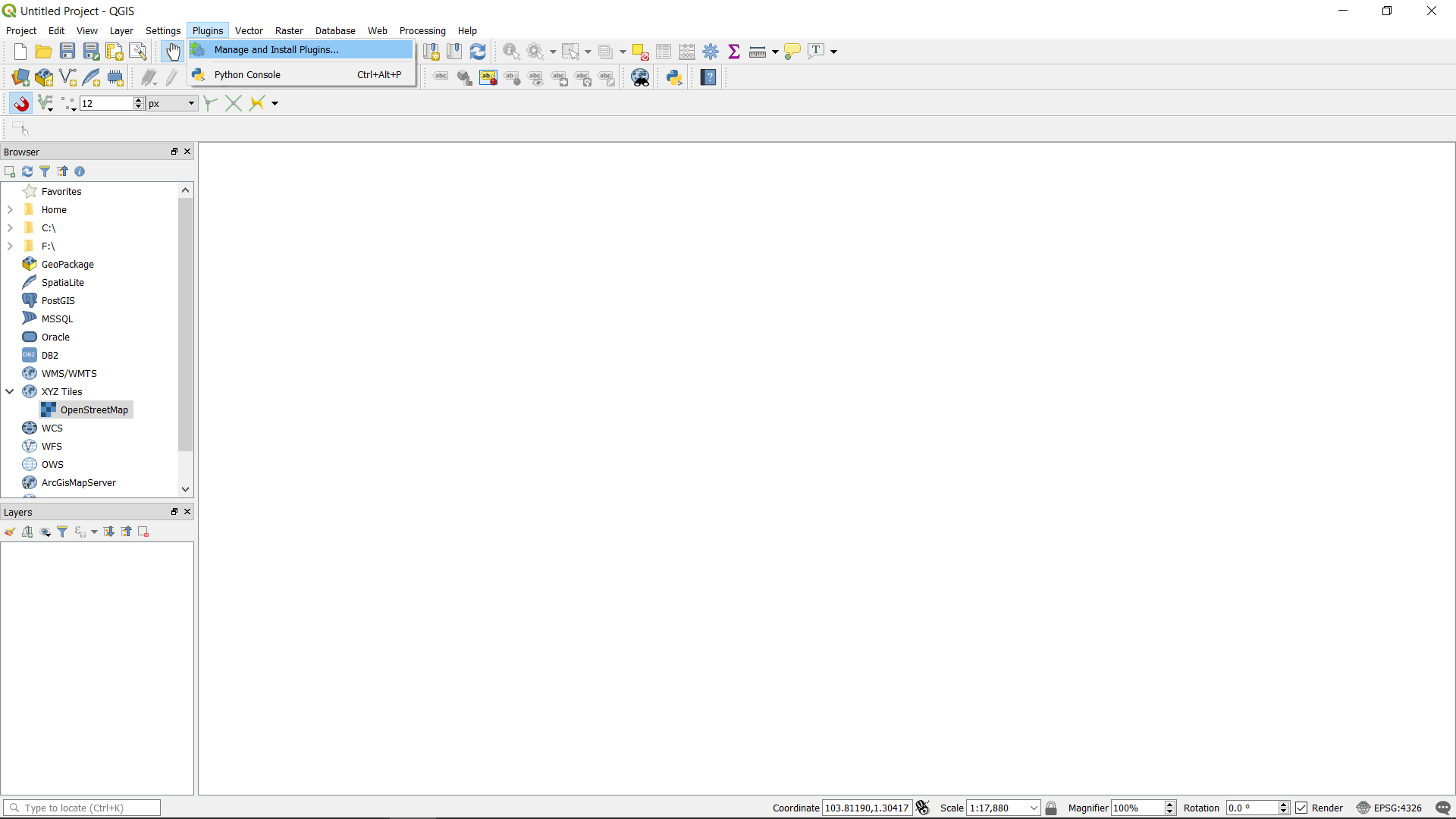
Open QGIS and go to Plugins -> Manage and Install Plugins ...
Search for “QuickMapServices”.
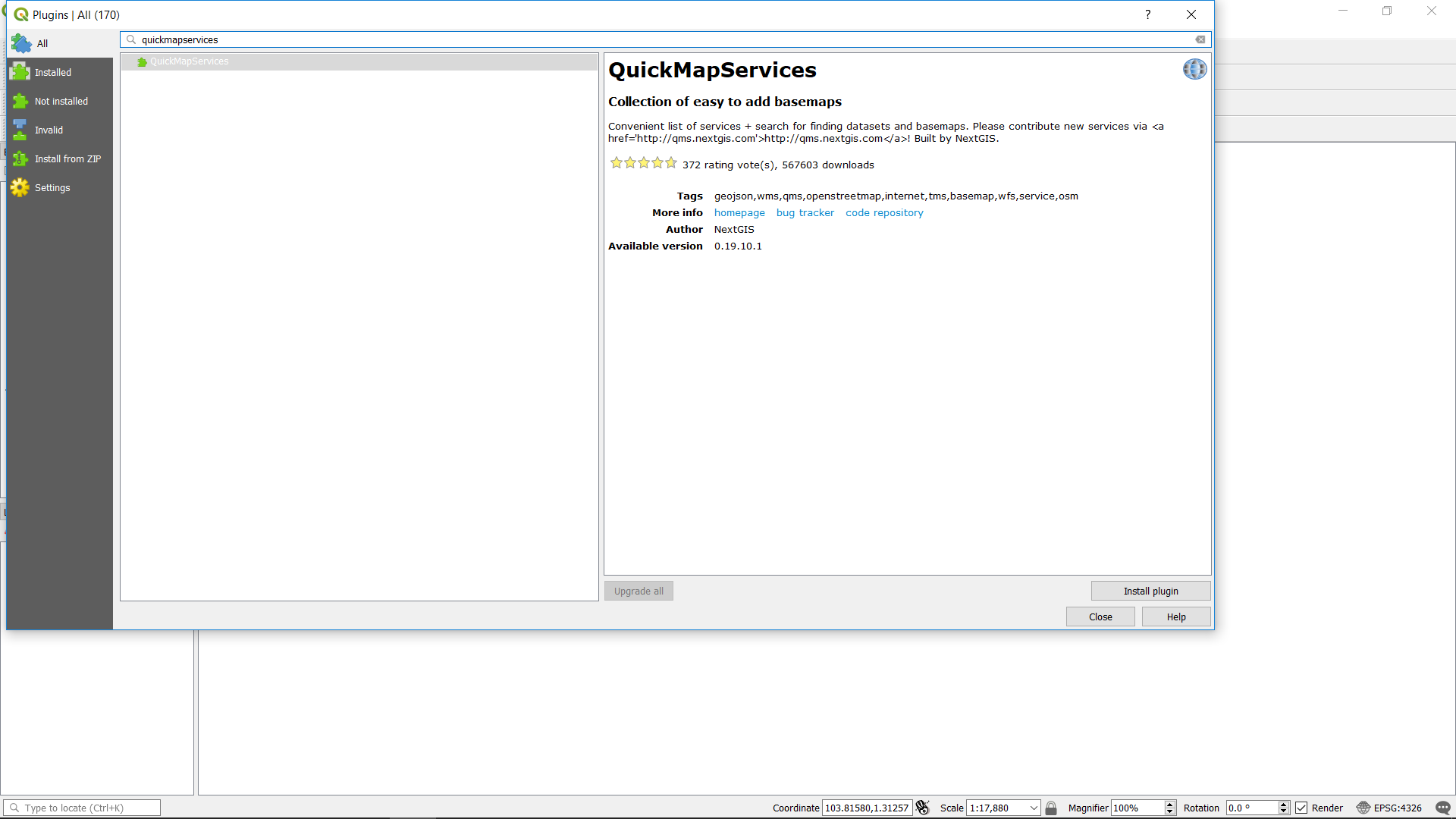
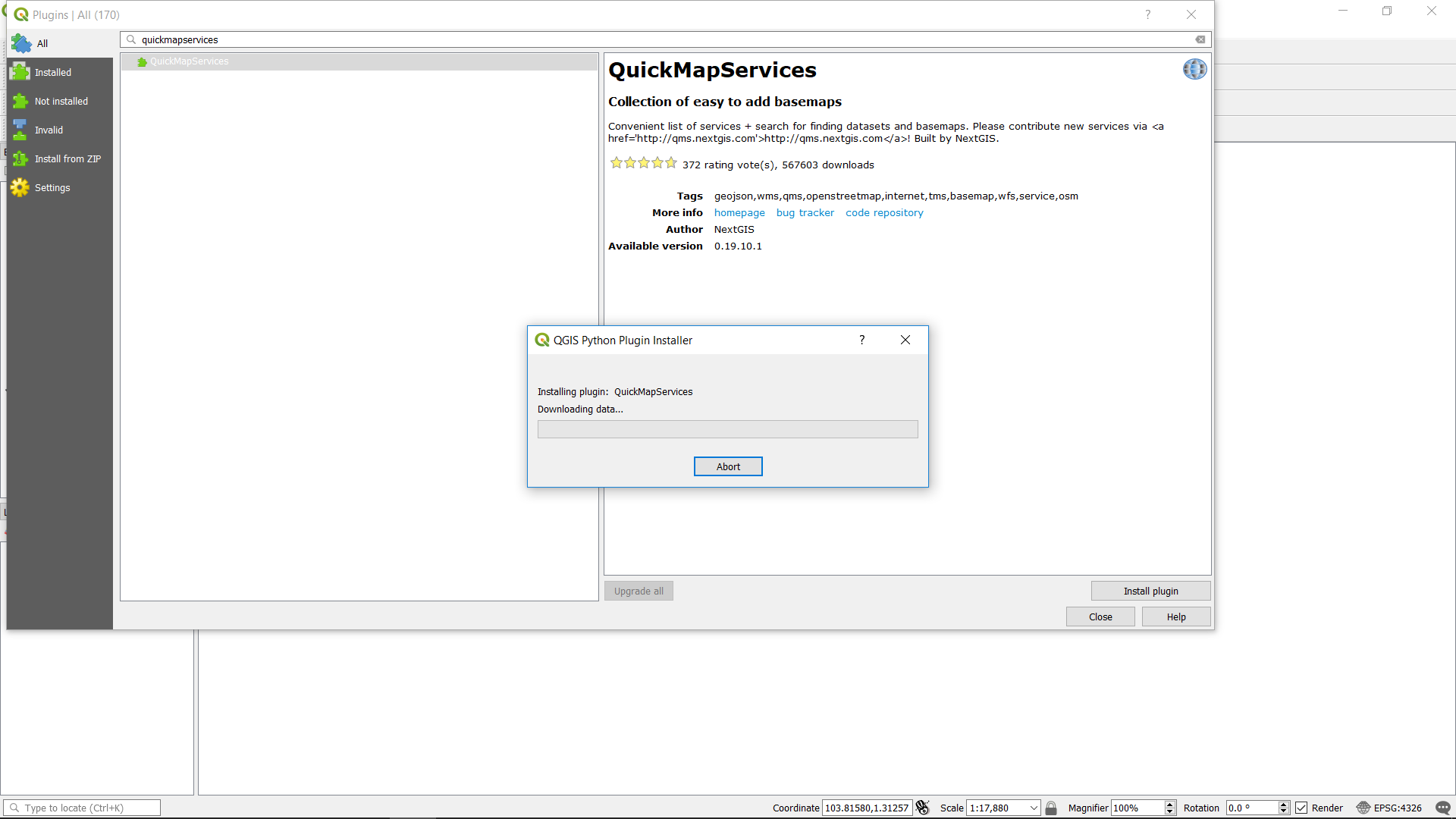
Install the “QuickMapServices” plugin.
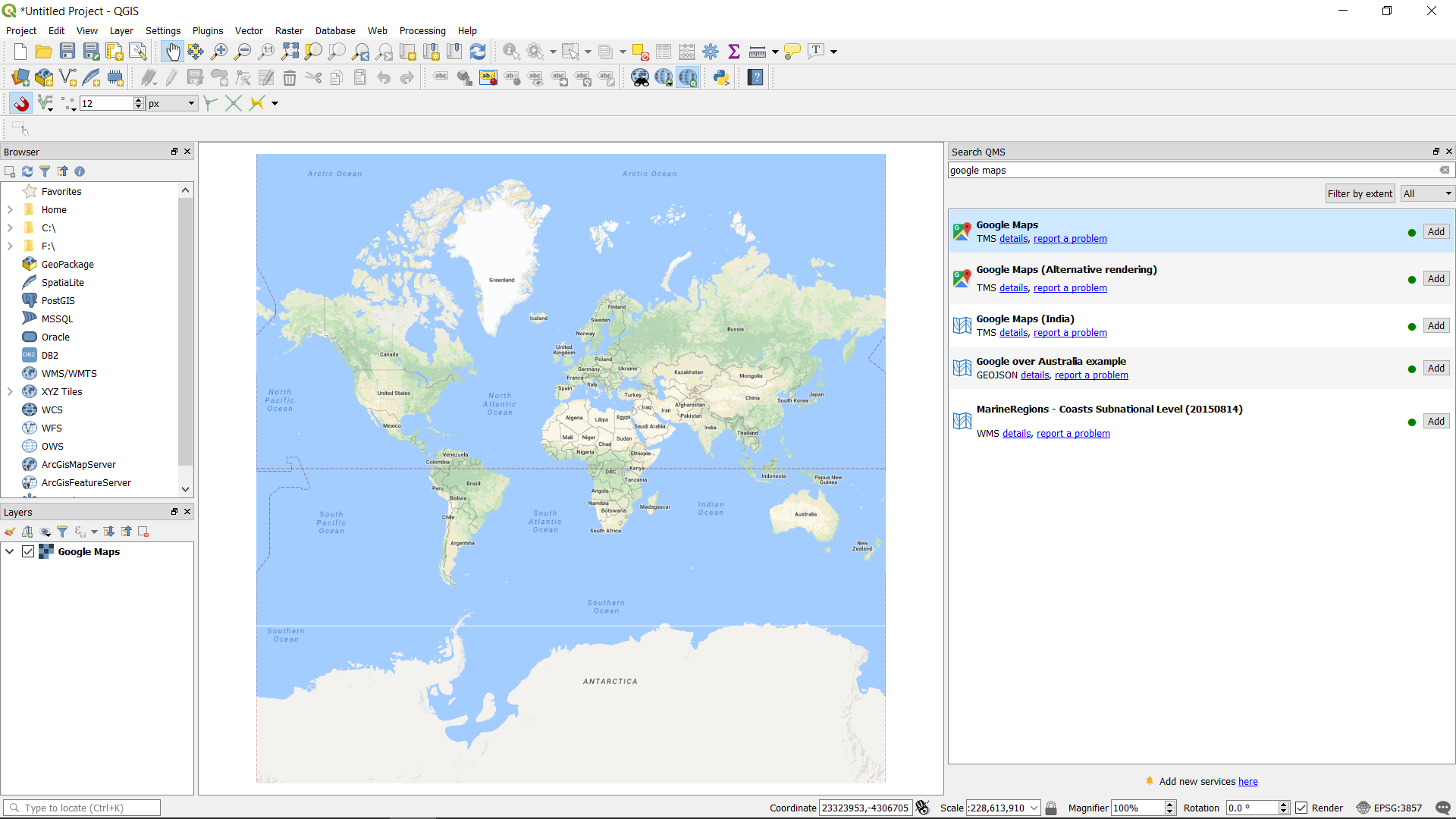
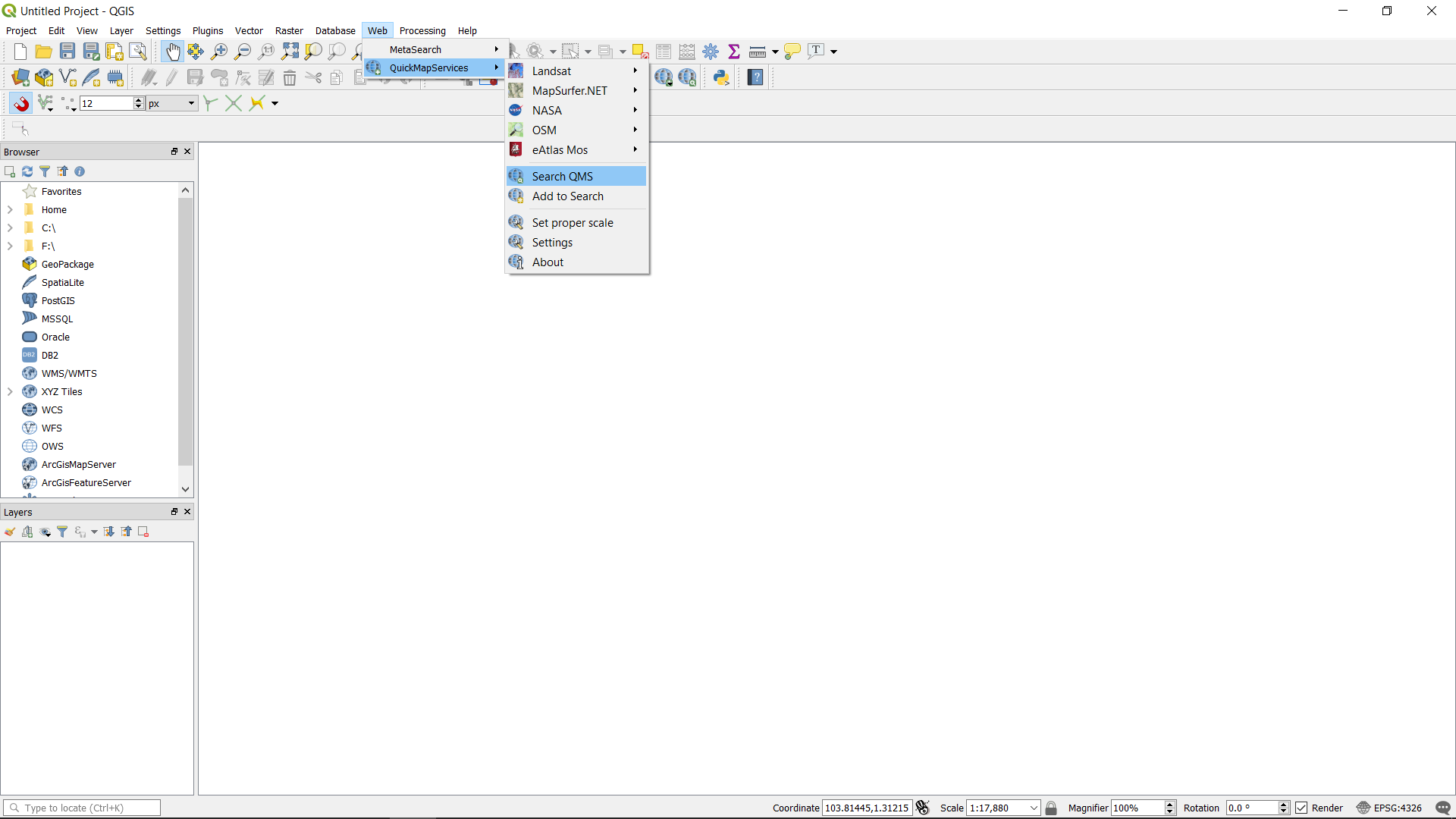
Go to Web -> QuickMapServices -> Search QMS.
Search for “google maps”.
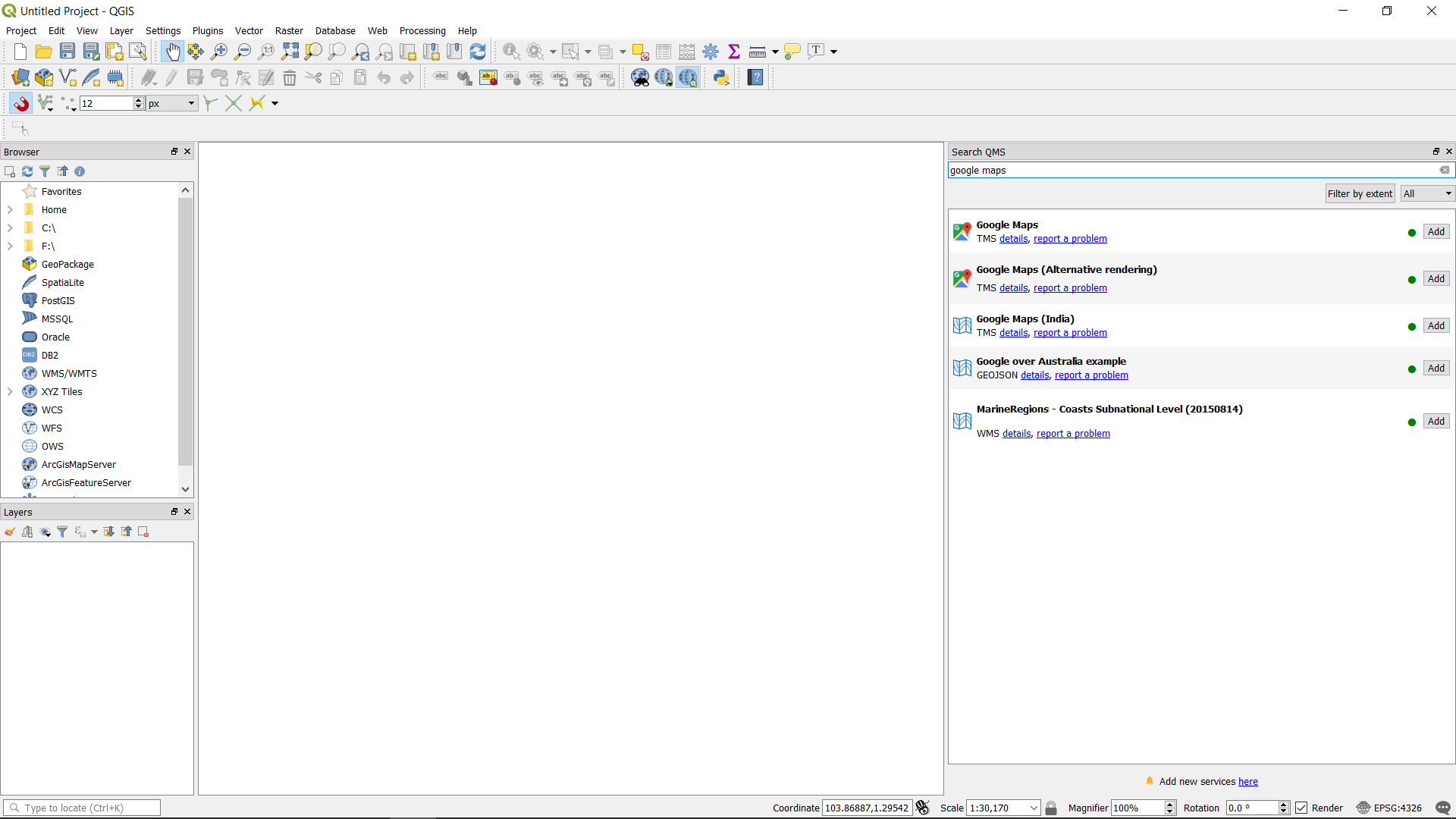
Double click on “Google Maps” and the map will be added as a layer.