Right click on the layer -> Properties ...
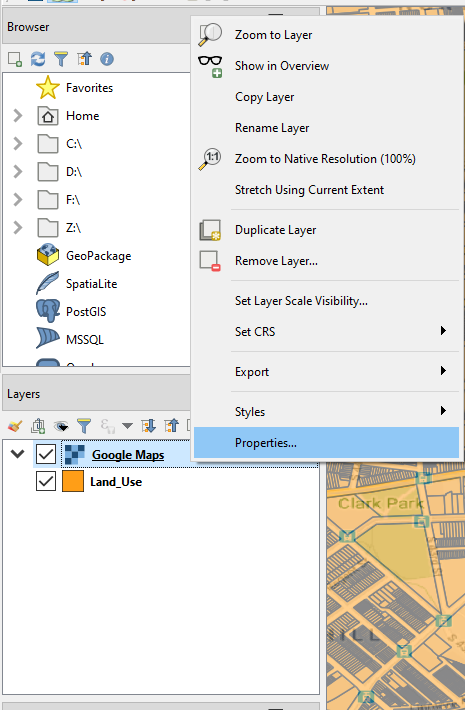
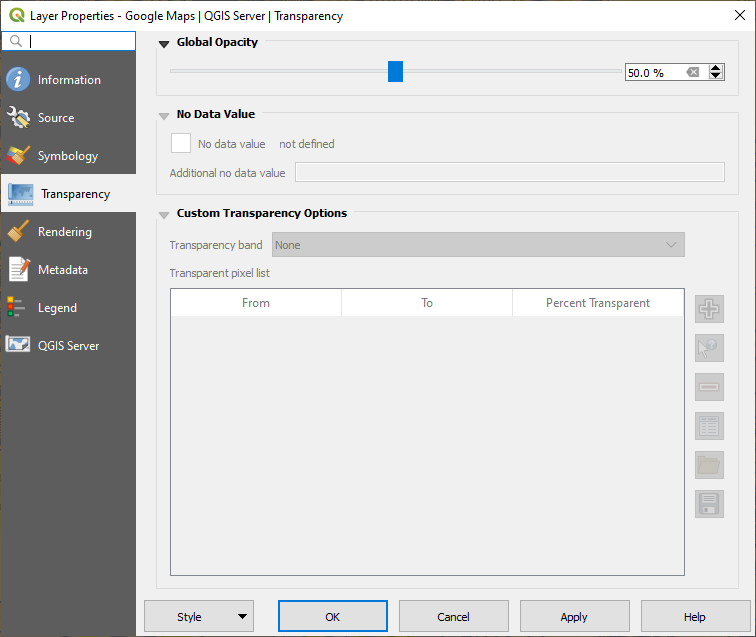
Go the Transparency tab and adjust the Global Opacity to the percentage value you want and click Apply.
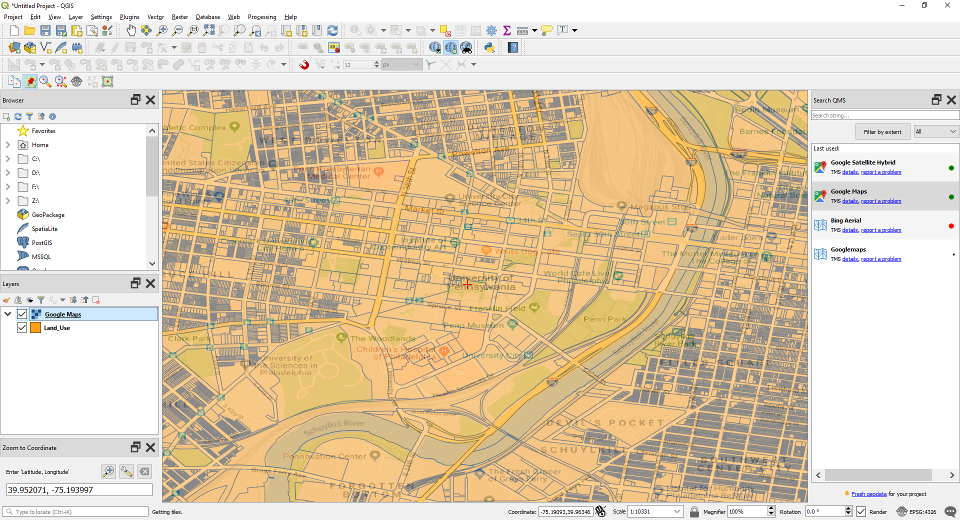
The layer is now transparent.
Right click on the layer -> Properties ...
Go the Transparency tab and adjust the Global Opacity to the percentage value you want and click Apply.
The layer is now transparent.