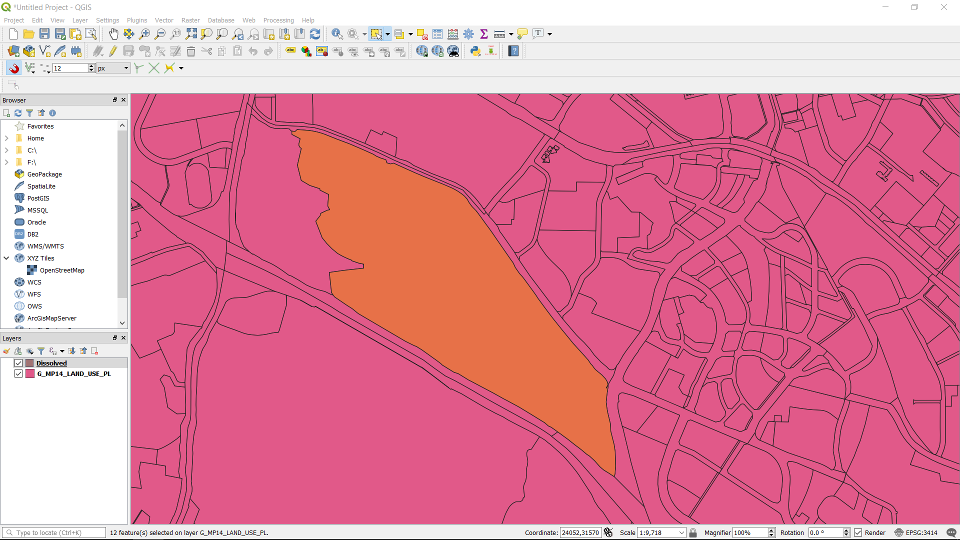
Select the polygon features you want to merge using the select tool.
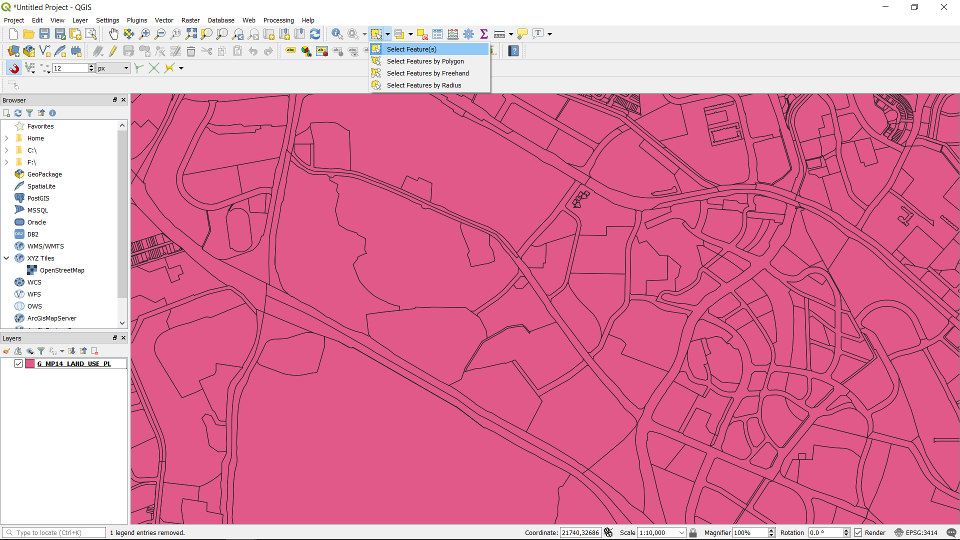
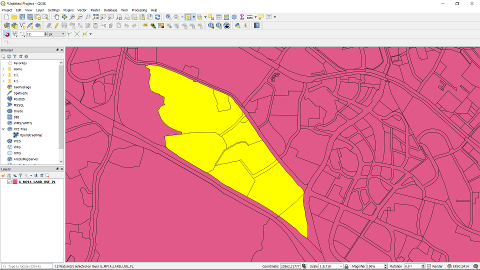
Hold down shift and do a multi-select.
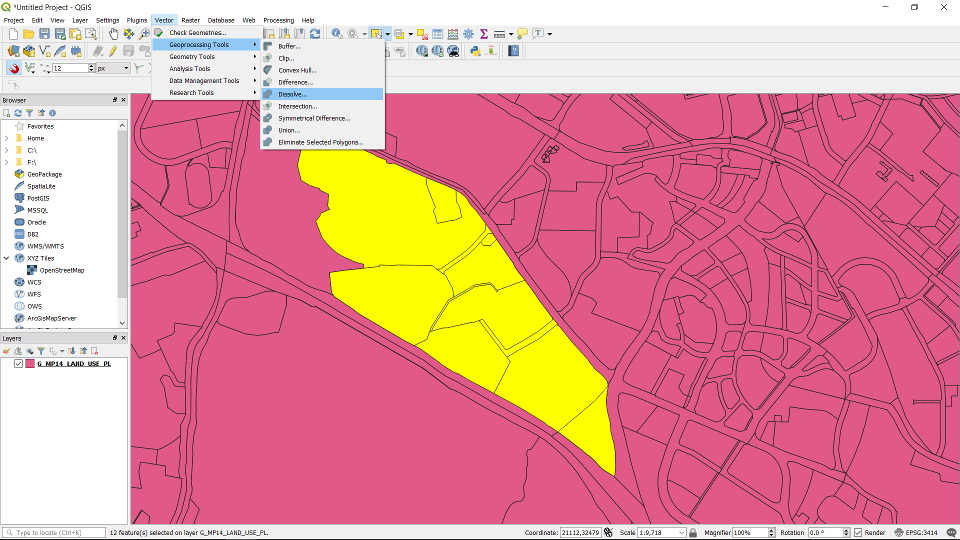
Go to Vector -> Geoprocessing Tools -> Dissolve
In the Dissolve window, choose the right layer and tick “Selected features only”. Click “Run”.
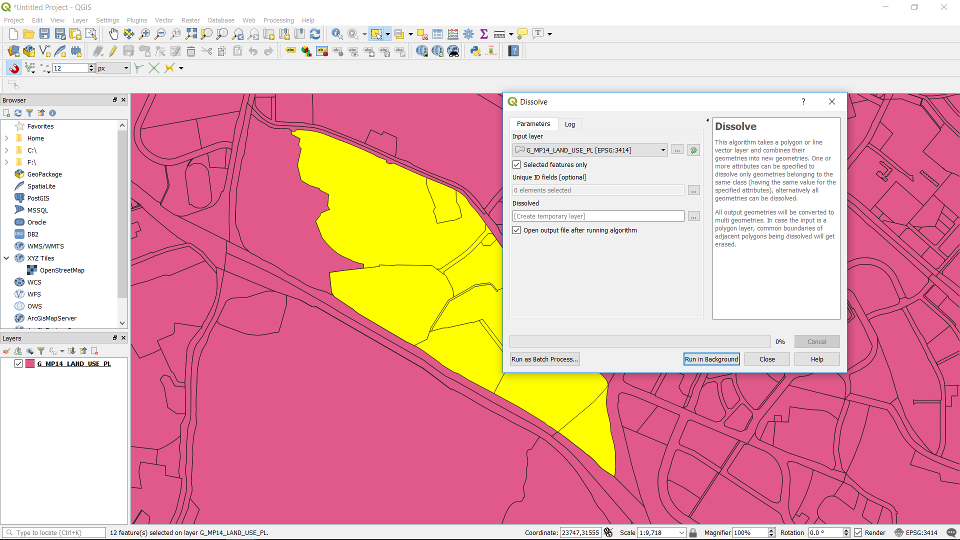
The merged polygons will be stored in a temporary layer called “Dissolved”.