I am using Docker for running the database. So you will have to install Docker on your machine. Refer to the next section to install Docker. Once Docker is installed, I have written a shellscript to automatically fetch all the necessary Docker containers to get the database up and running. Currently, the shellscript has only been tested with an Ubuntu machine. In summary:
Install Docker
Install Yun2Infinity
Docker
Install docker based on instruction from the Docker official site.
Uninstall docker based on instruction from here
Download and unzip Yun2Infinity
Only tested on Ubuntu 24.04
Go to the terminal on your Ubuntu machine. Run this command to download the yun2infinity package.
$ curl -L https://github.com/chenkianwee/yun2infinity/archive/xxxx.zip > yun2infinity-xxxx.zipa. If curl is not installed on your machine. Install it with this command.
$ sudo apt-get install curlUnzip the file with this command.
$ unzip yun2infinity-xxxx.zip -d yun2infinity-xxxxa. If unzip is not installed on your machine. Install it with this command.
$ sudo apt-get install unzip
Build the jupyter-book for the main page
Make changes to the .md files accordingly and build the jupyterbook with these commands
cd yun2infinity_<x.x.x>/jupyterbook/yun2inf_book

jupyter book build --html
Setup Yun2Infinity
Go into the yun2infinity-xxxx folder with this command. You will be able to see the following folders and files.
$ cd yun2infinity-xxxxExecute this command to install yun2infinity.
$ cd yun2infinity-xxxx/shellscript

$ sudo sh setup_yun2inf.sh
The script will ask you to enter a series of parameters. Most of the parameters you can just accept the defaults. Remember the passwords and username you entered here as you will need it later.
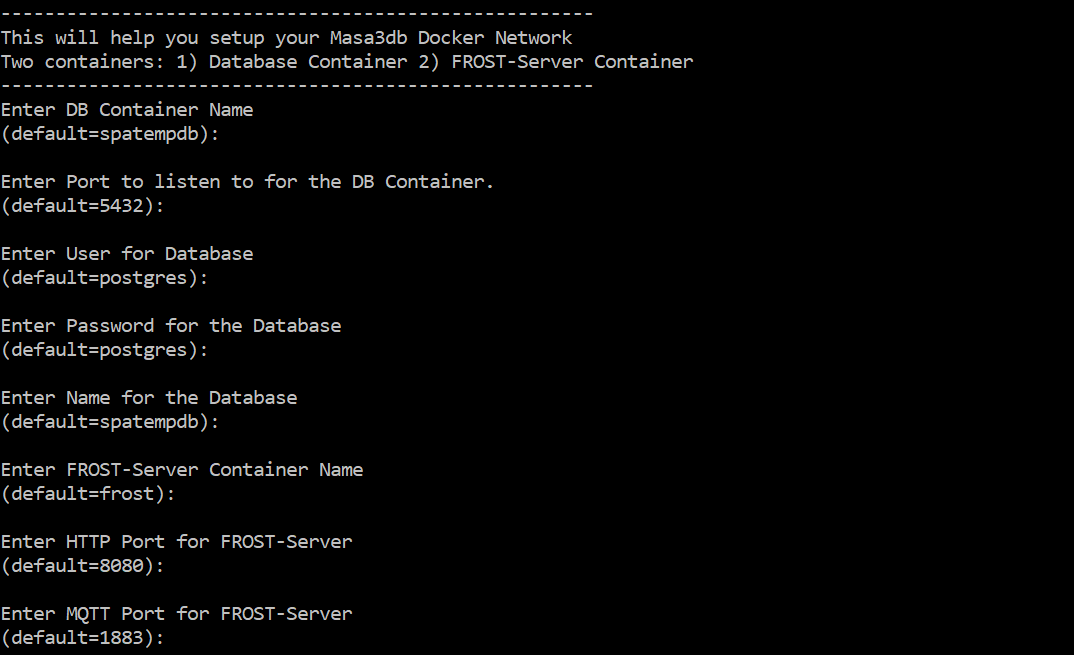
Figure 1:The series of parameters to fill, pay attention to the two parameters as stated below.
a. Pay attention to the Service Root URL. If you already have a domain name for your server enter that as the Service Root URL. In this example our domain name is http://
chaosbox .princeton .edu. b. The other parameter to pay attention to is if you want to allow the public to request for data from your database without the need of a password. If you want to set a password set the parameter to “false”.

Figure 2:Two parameters to pay attention.
c. If the installation is successful you will see these messages.
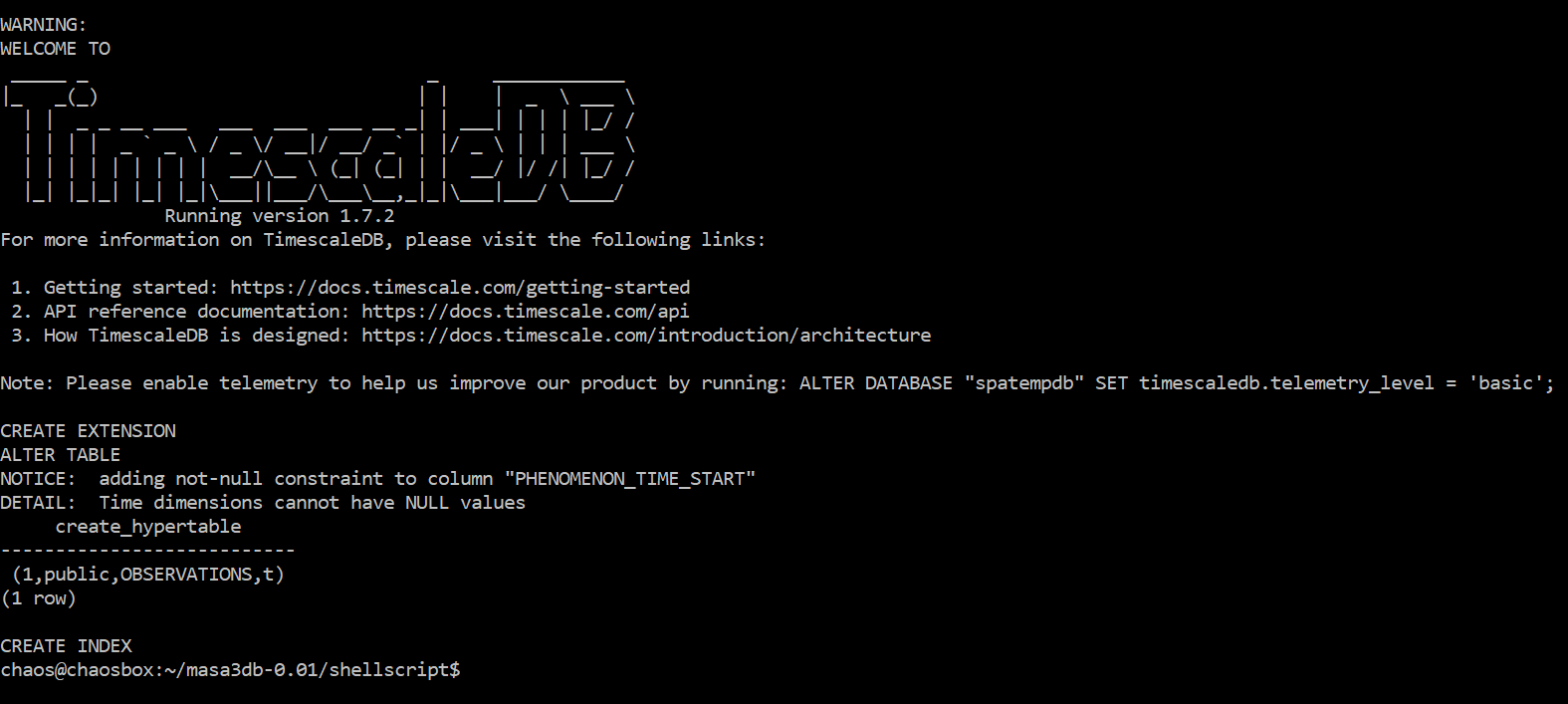
Figure 3:A successful setup.
We will check if the database has been successfully installed. Type in this command. You should see 5 containers running.
$ sudo docker ps
Install Timescaledb to improve database performance
Go to shellscript directory. Follow the instruction accordingly to install timescaledb into your database.
sudo sh install_tsdb.sh
Check if FROST-Server is successfully configured
Go to http://your_ip_address/frost you will be able to see this landing page. This means that your sensorthings API is setup.
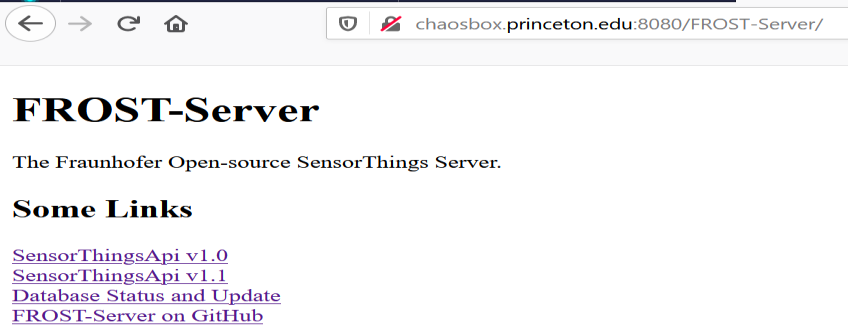
Figure 4:The landing page of the FROST-Server (Sensorthings API).
a. Click on the Database Status and Update. You will be prompted to key in your username and password. The default username and passwords are admin. We can change it later.
b. Once you enter the page click on do update. Once successfully update this message will be shown.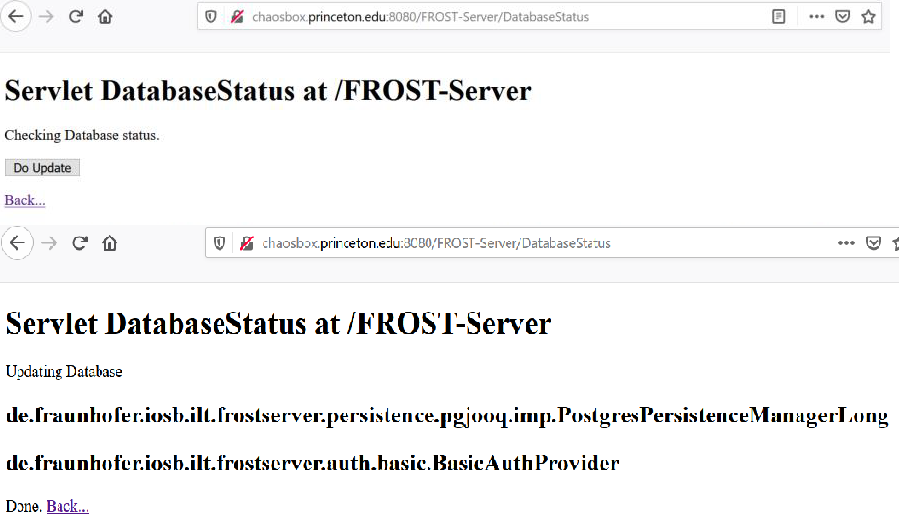
Figure 5:Successfully updated the FROST-Server settings.
Congratulation you have successfully installed yun2infinity.
Increase Paging of FROST-server for Improvement of Performance
Increase the value of the maxTop parameter as desired e.g. 20 000 in the conf/context.xml file to improve the performance making request. It is already set to 10 000 in the setup_yun2inf.sh script.
#copy the file out of the container and edit it with nano
$ sudo docker cp frost:/usr/local/tomcat/webapps/FROST-Server/META-INF/context.xml .
$ sudo chmod o=rw context.xml
$ nano context.xml

# after making the edit and saving it change the write permission back to its original
$ sudo chmod o=rw context.xml
$ sudo docker cp context.xml frost:/usr/local/tomcat/webapps/FROST-Server/META-INF/context.xml
Uninstall Yun2Infinity
Execute this command to uninstall Masa3DB.
!!!This will remove the database with all its data!!!$ cd yun2infinity-xx.xx.xx/shellscript $ sudo sh rmv_yun2inf.sh