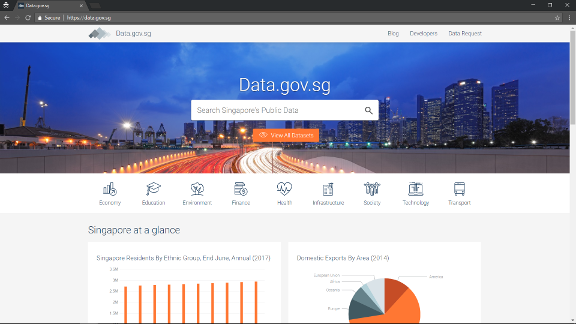
Go to data.gov.sg.
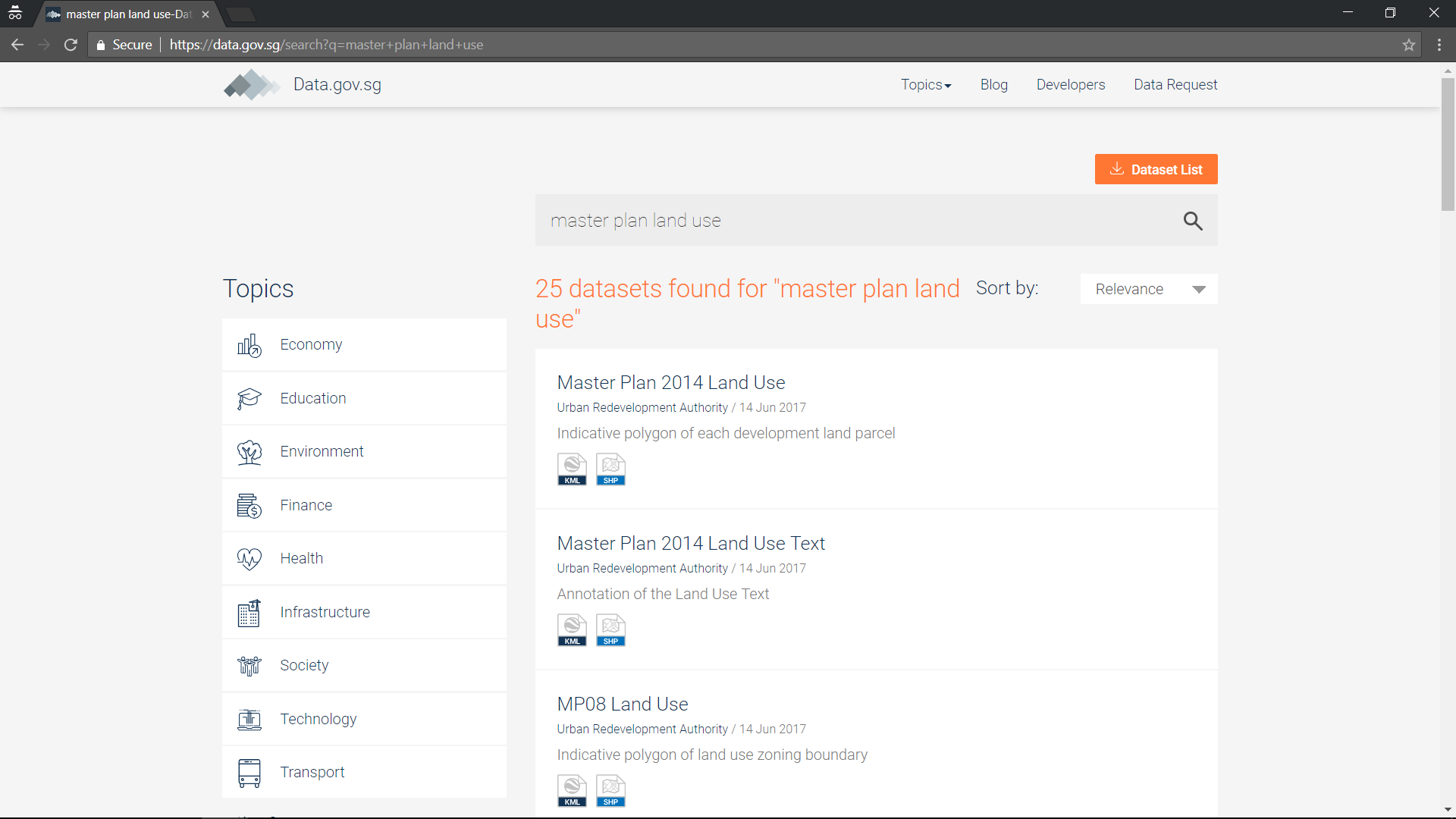
Search for “master plan land use”.
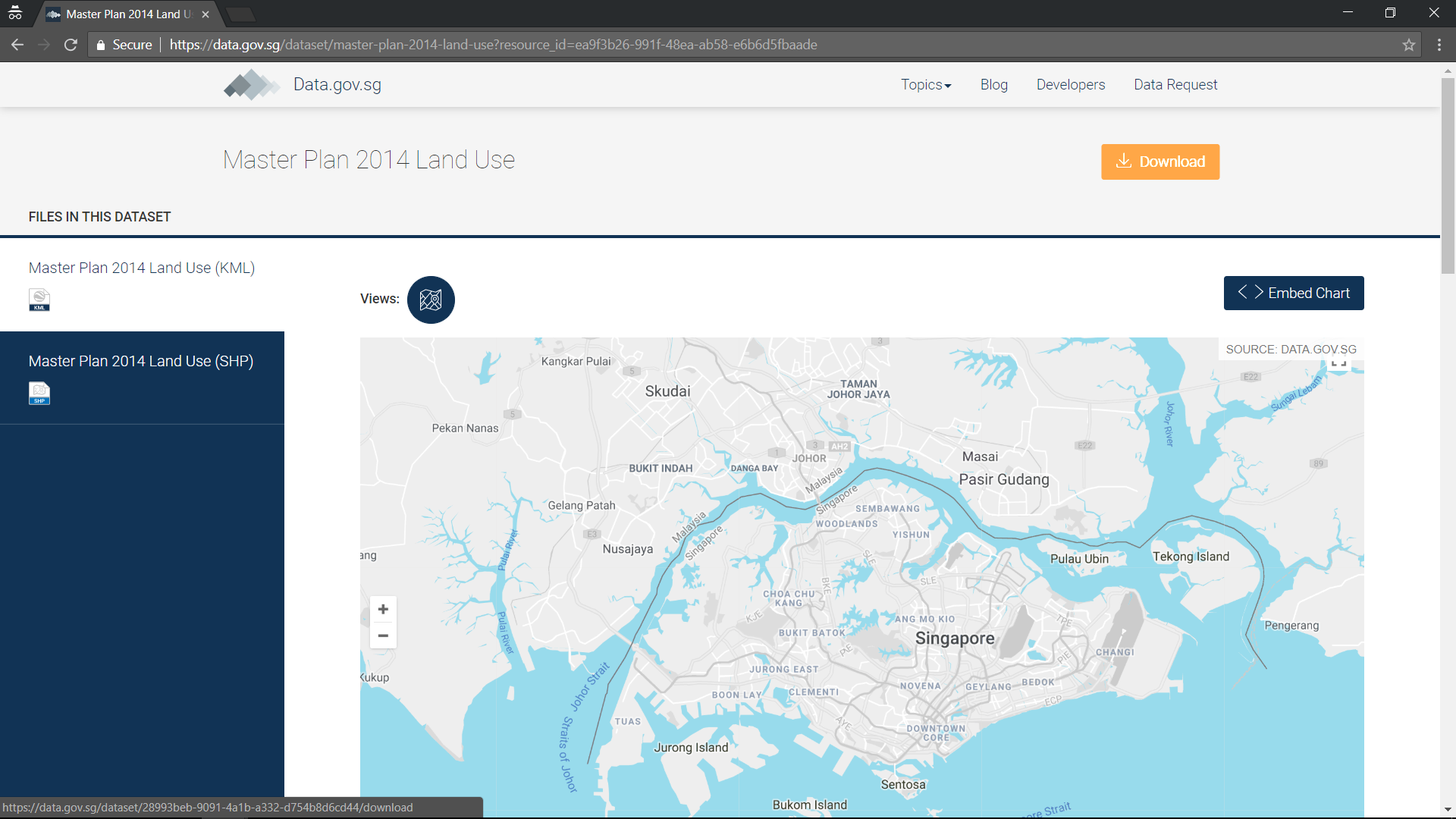
Download the “Master Plan 2014 Land Use”.
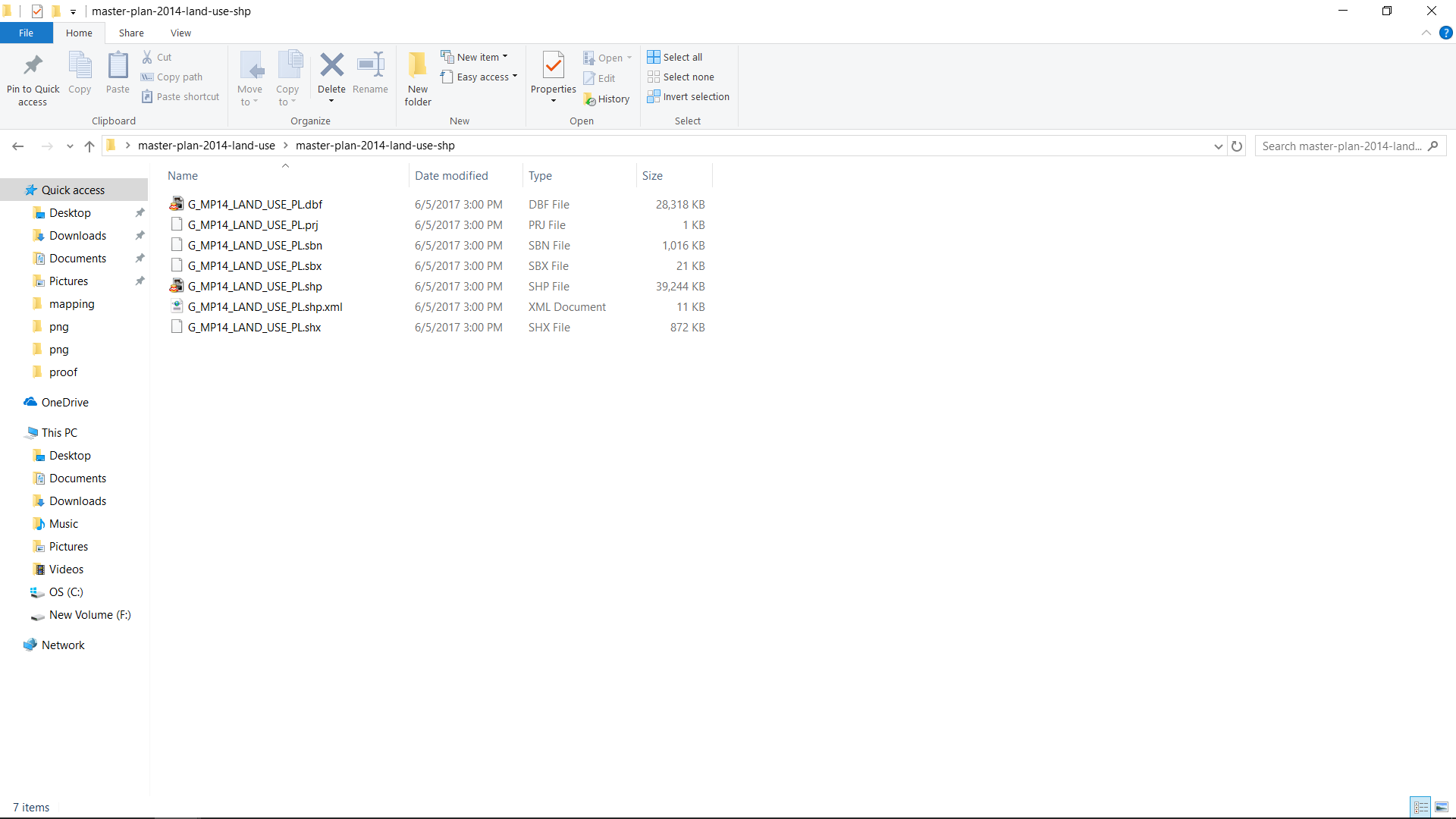
Extract the zip file “master-plan-land-use.zip” using 7-zip (or any other compression program).
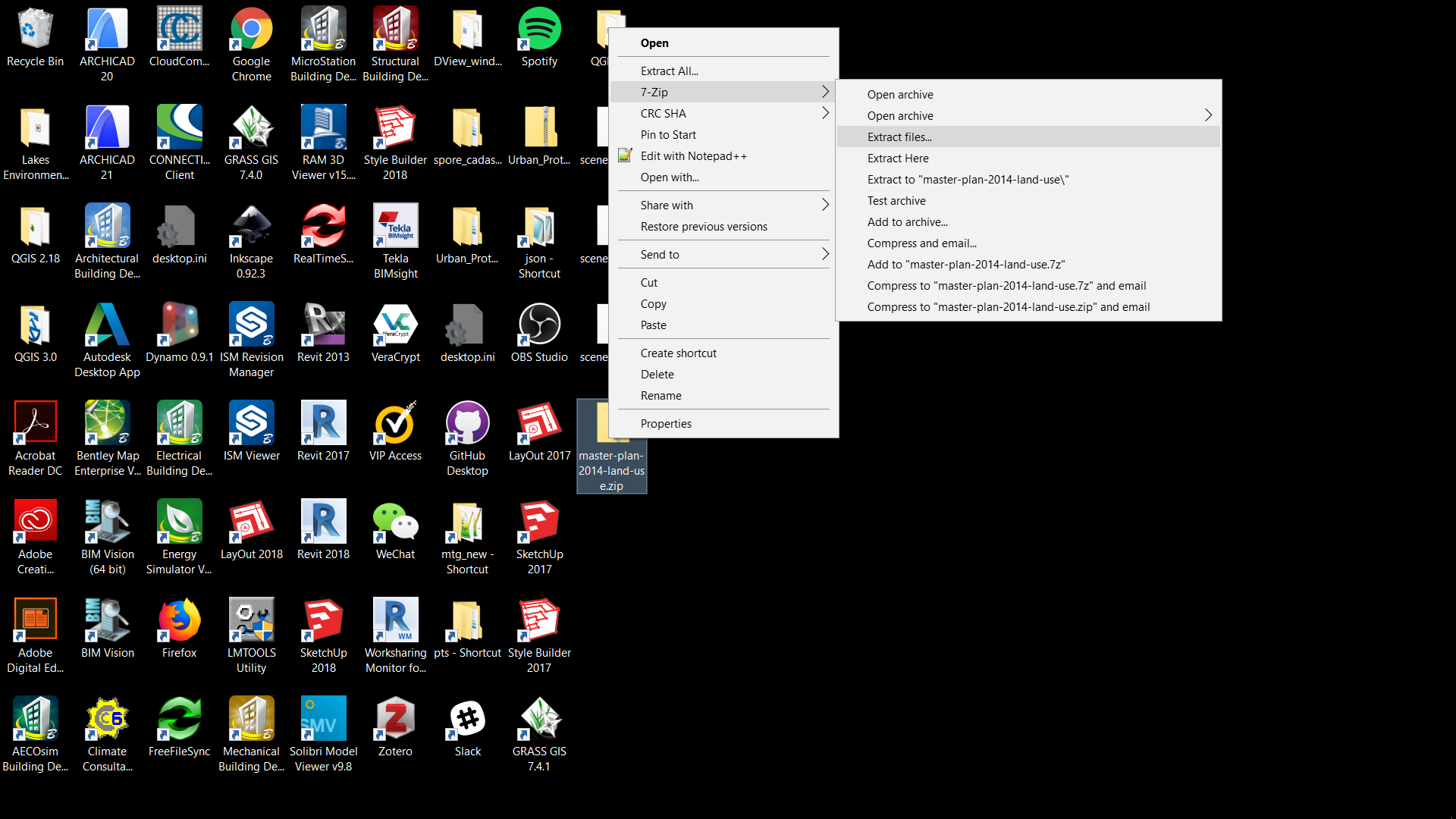
Once unzipped, within the “master-plan-land-use” folder there are two more zipped files: “master-plan-2014-land-use-shp.zip” and "master-plan-2014-land-use-kml.zip.
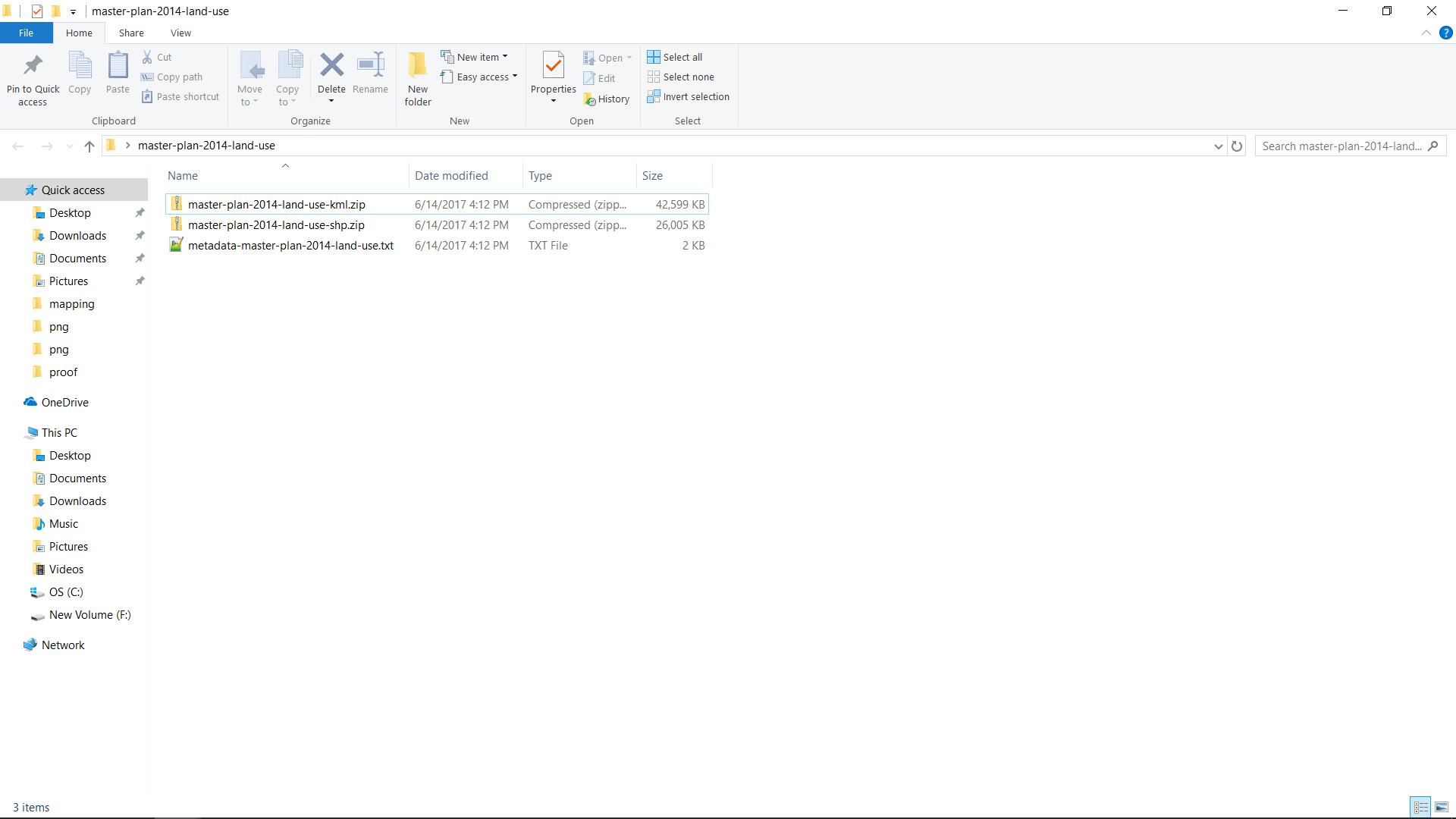
Unzip the “master-plan-2014-land-use-shp.zip”.
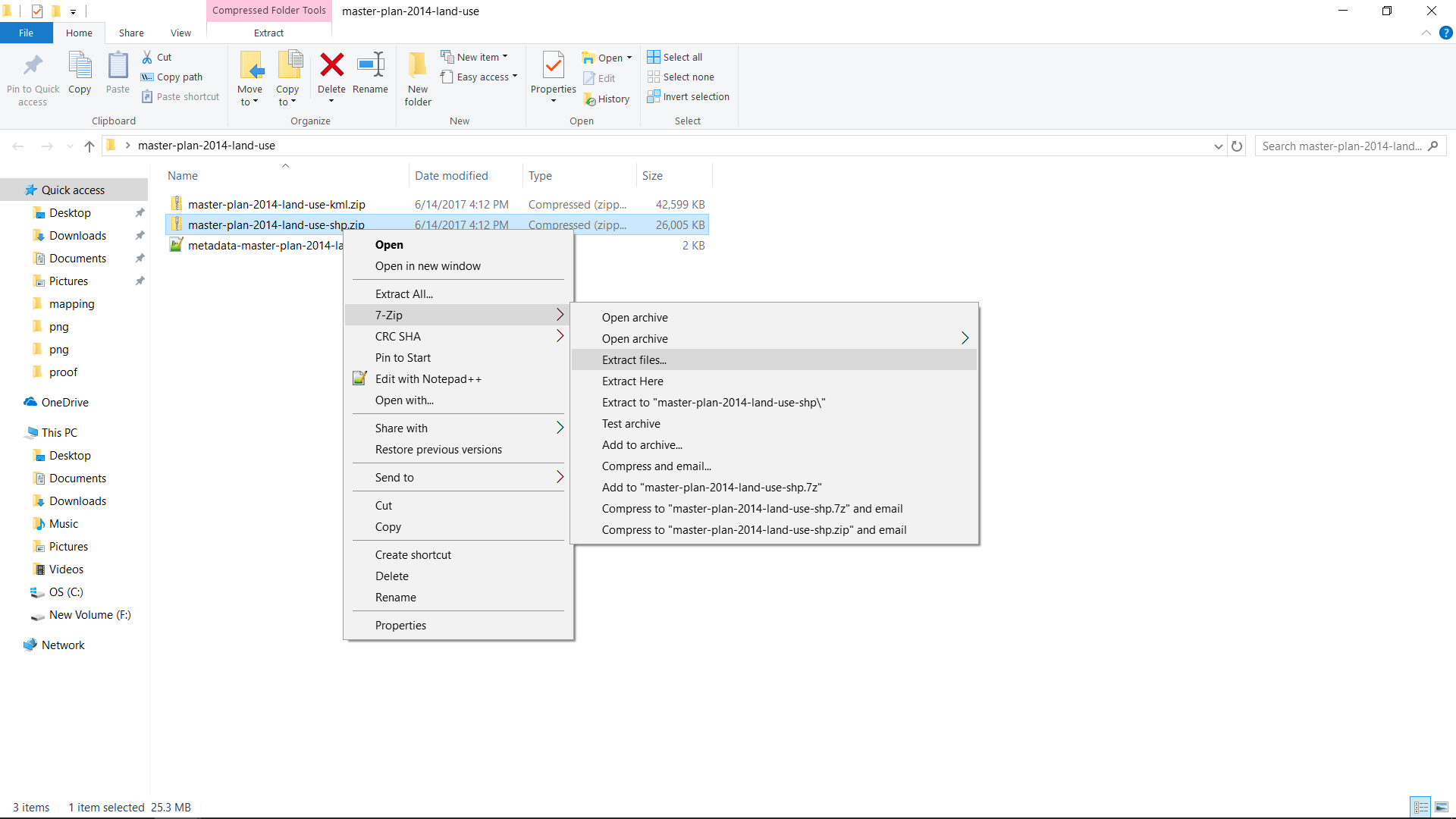
The unzipped file.
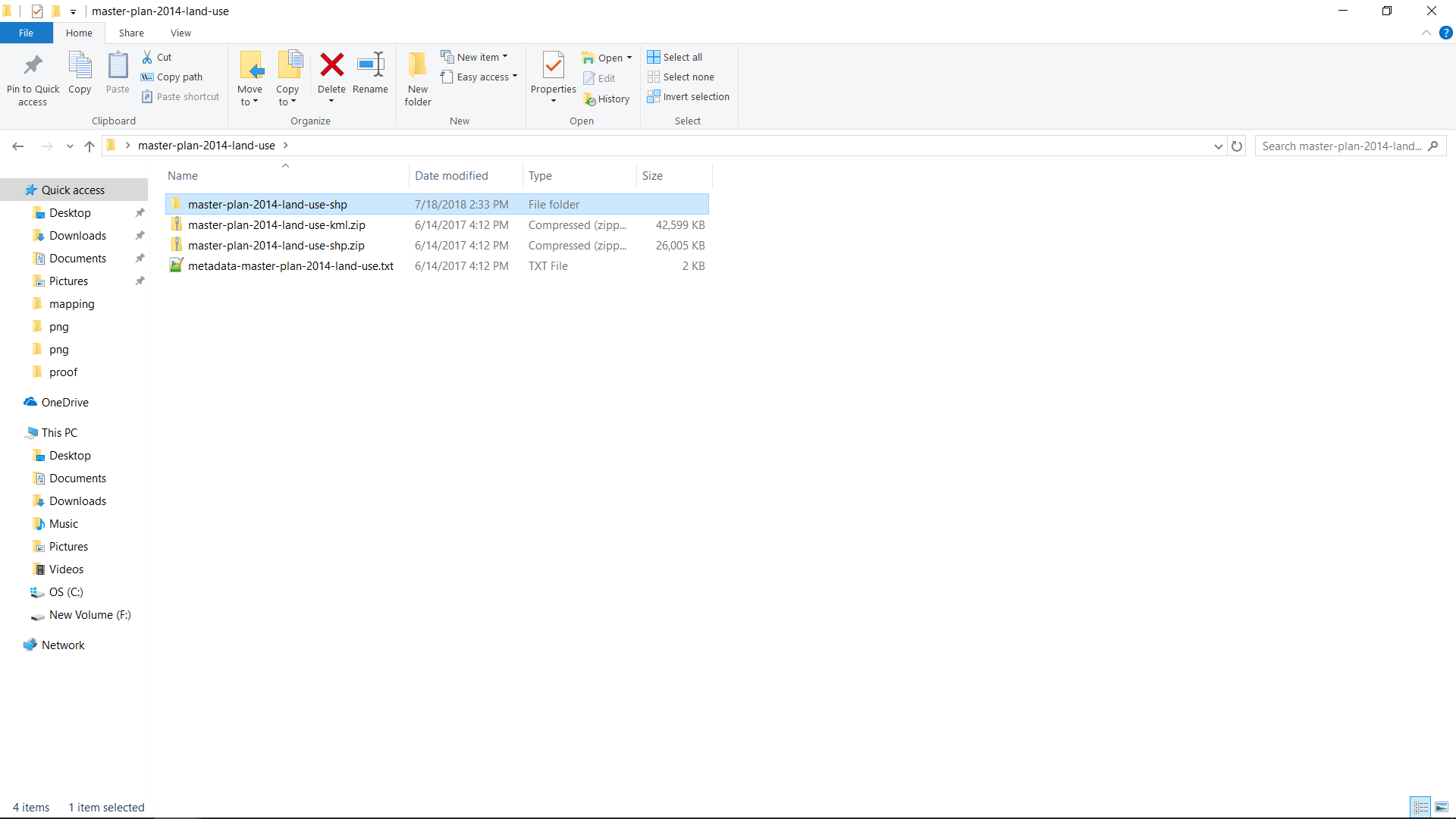
Open the “master-plan-2014-land-use-shp” folder and you will see a multiple of files. It is important to keep these files in the same folder all the time.