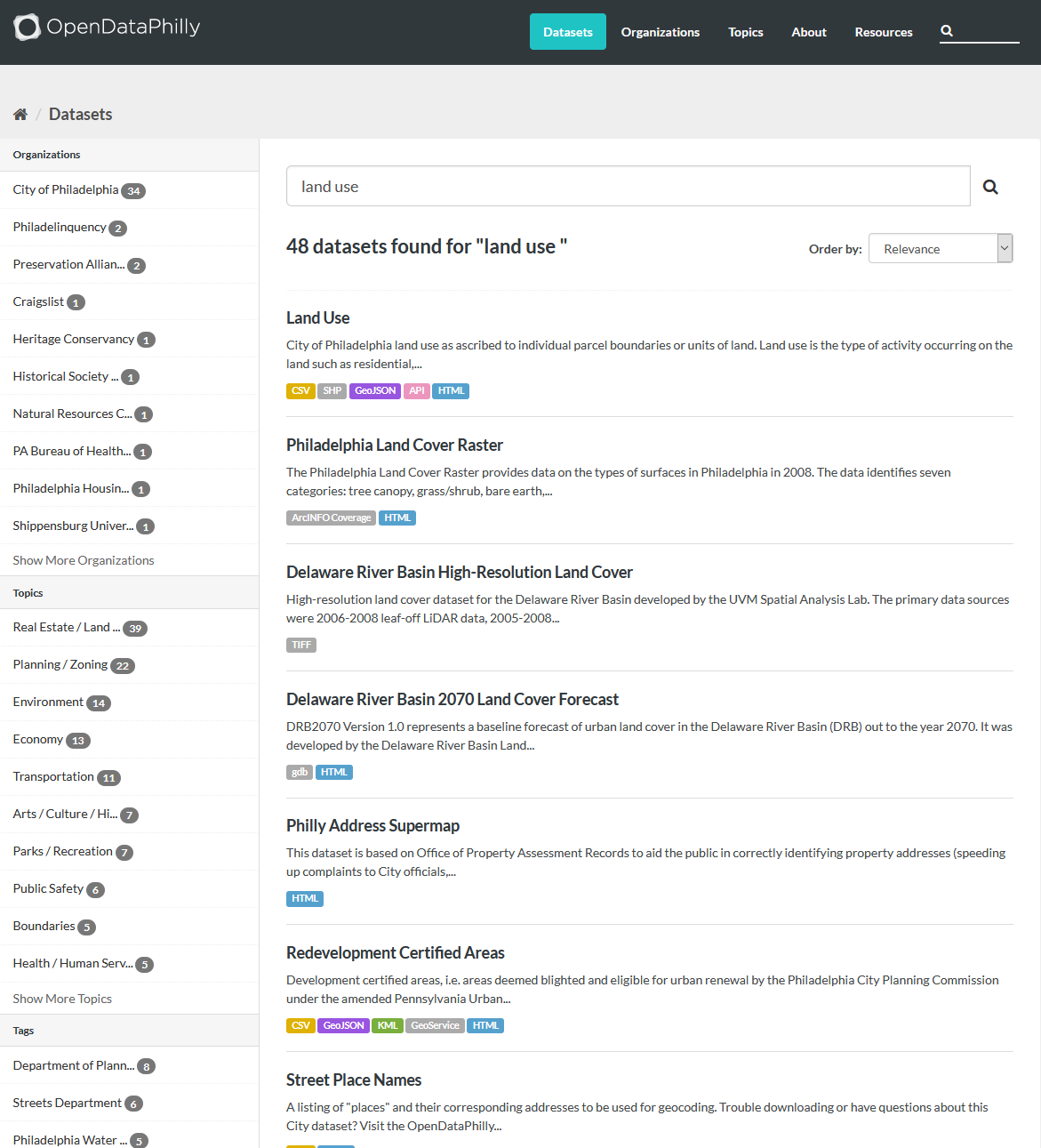
Go to OpenDataPhily and search for “land use”.
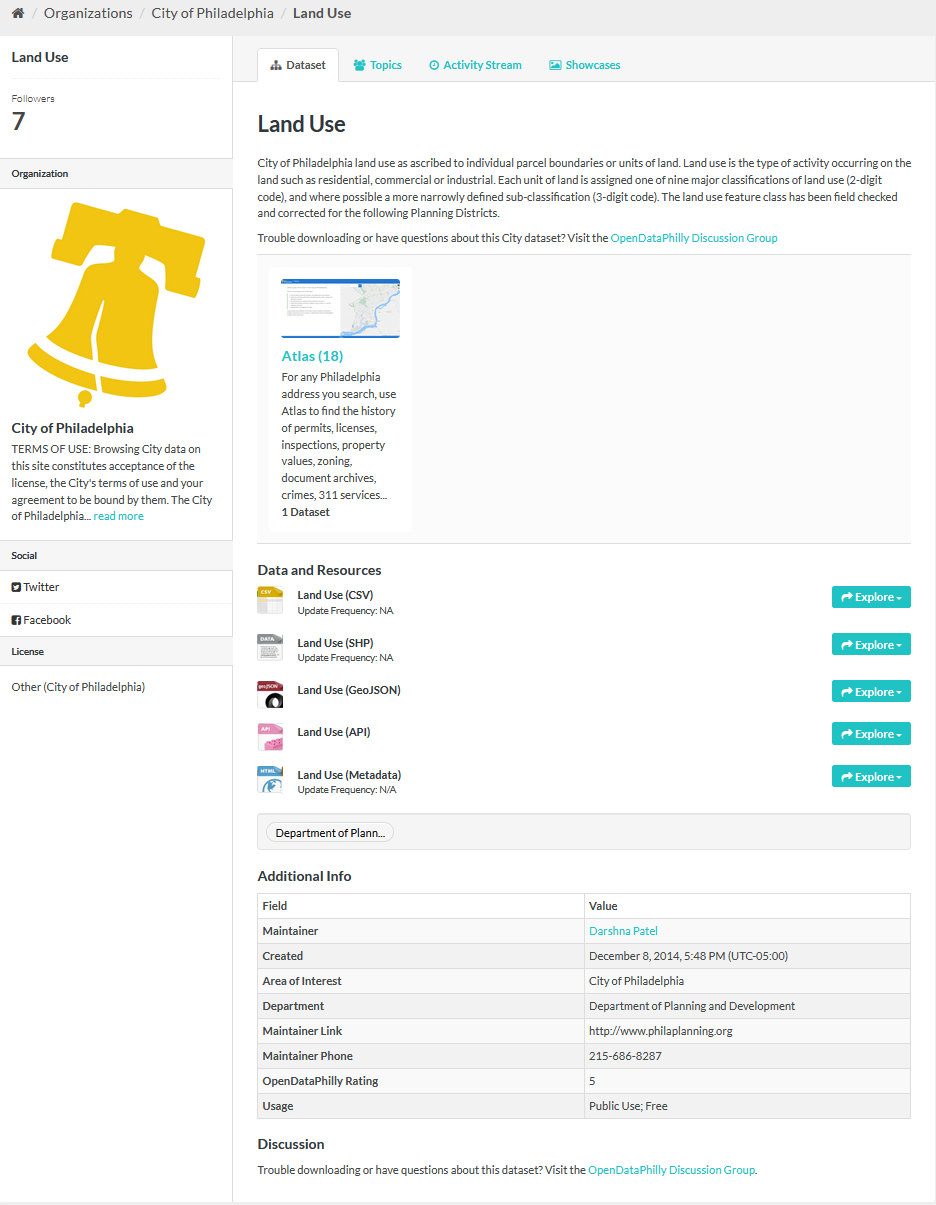
Once you click on Land Use you will be able to see a list of meta data on about the data set.
Download the Land Use (SHP) file. Click on Explore -> Go to resource.
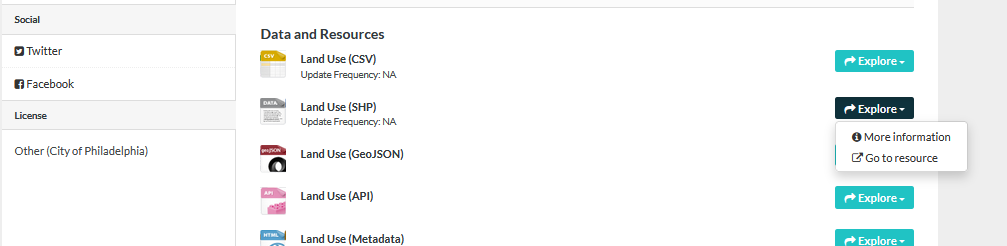
Once clicked, you will be downloading the SHP file of the Land Use data.
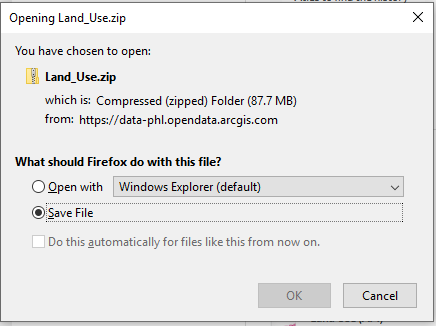
After you have download the zip file. Unzip it. You can either use 7-Zip or any other software.
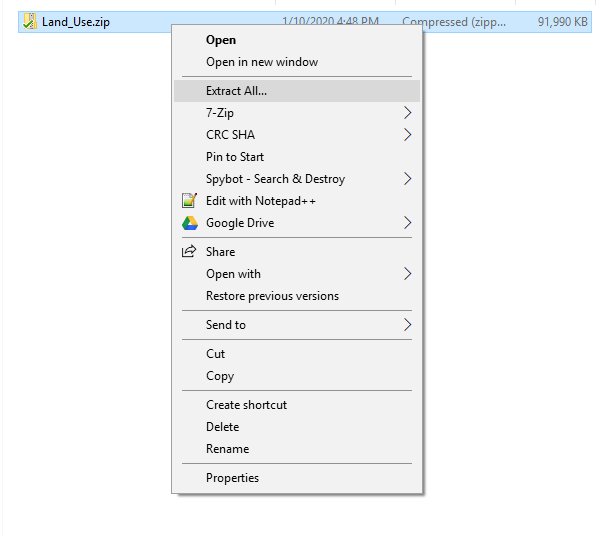
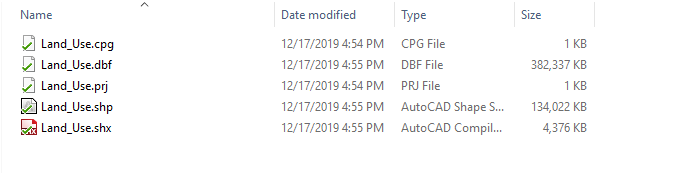
After unzipping. You will be able to see 5 files in the Land_Use folder. You must always keep these files together in a folder for the SHP file to work.