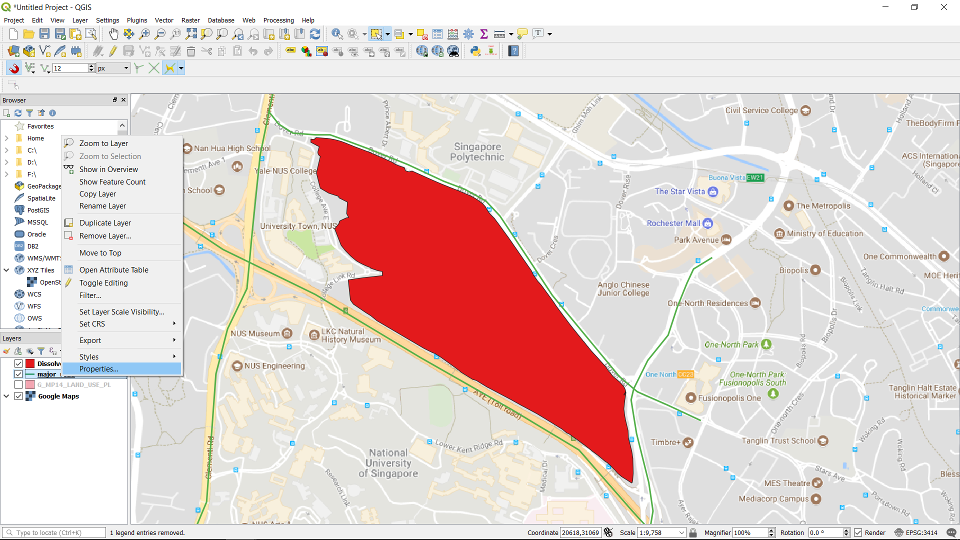
Right click on the layer -> Properties ...
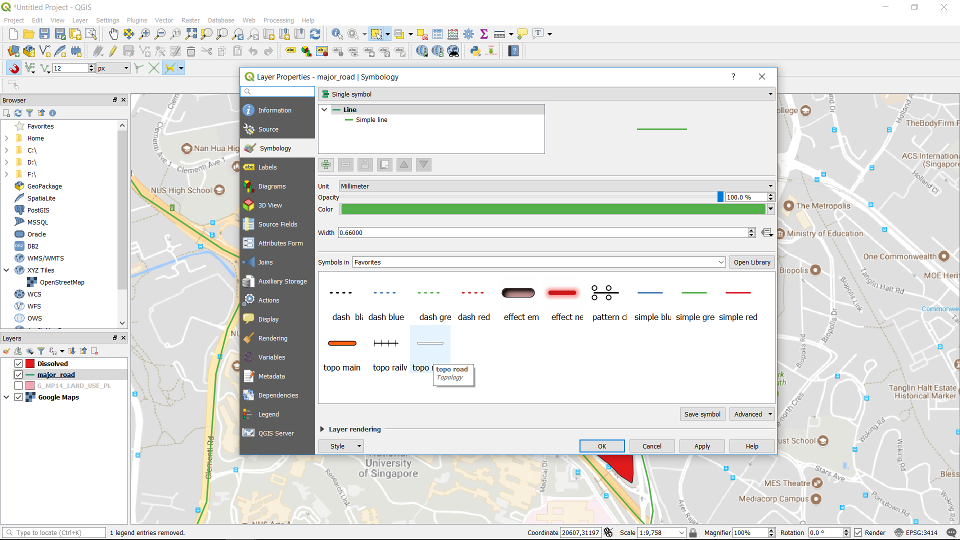
Choose the Road symbol.
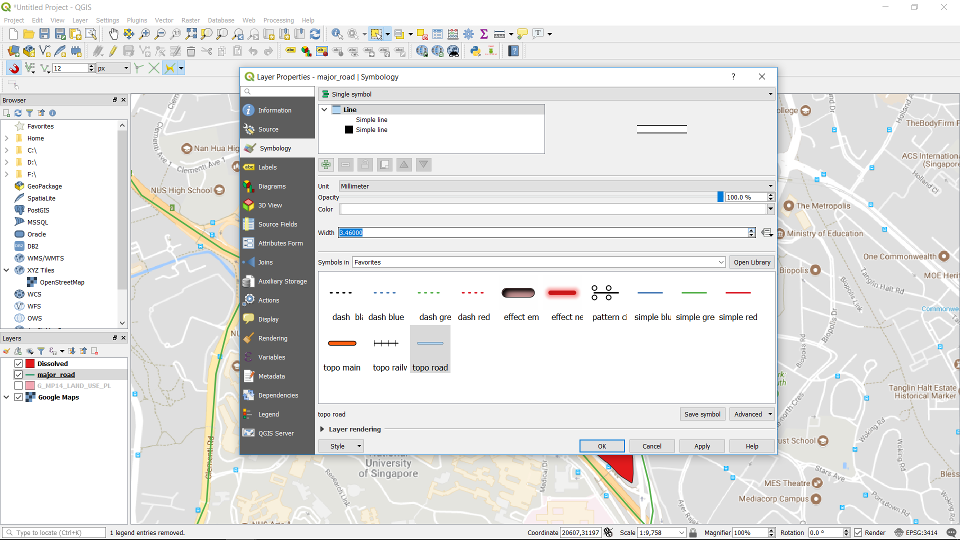
Adjust the width of the road.
Change the colour to black. Click Apply.
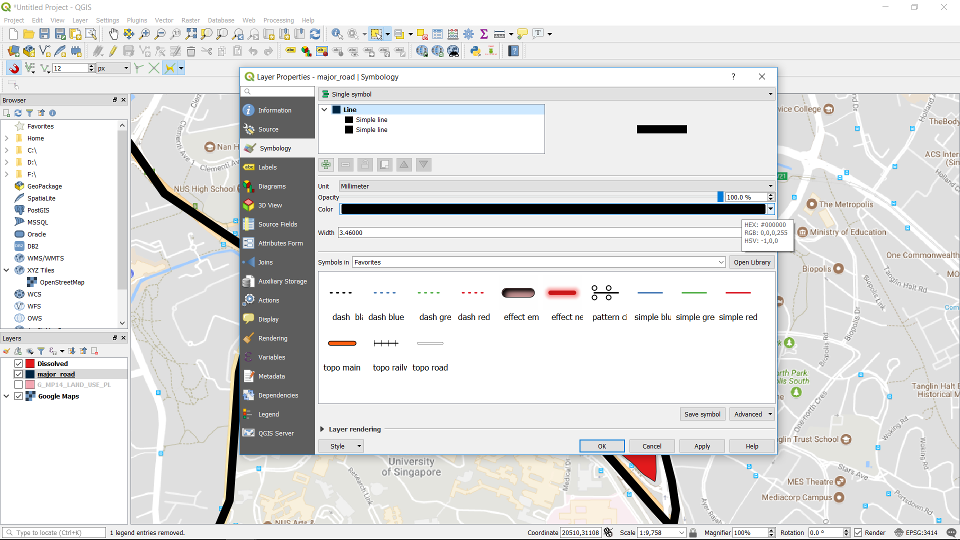
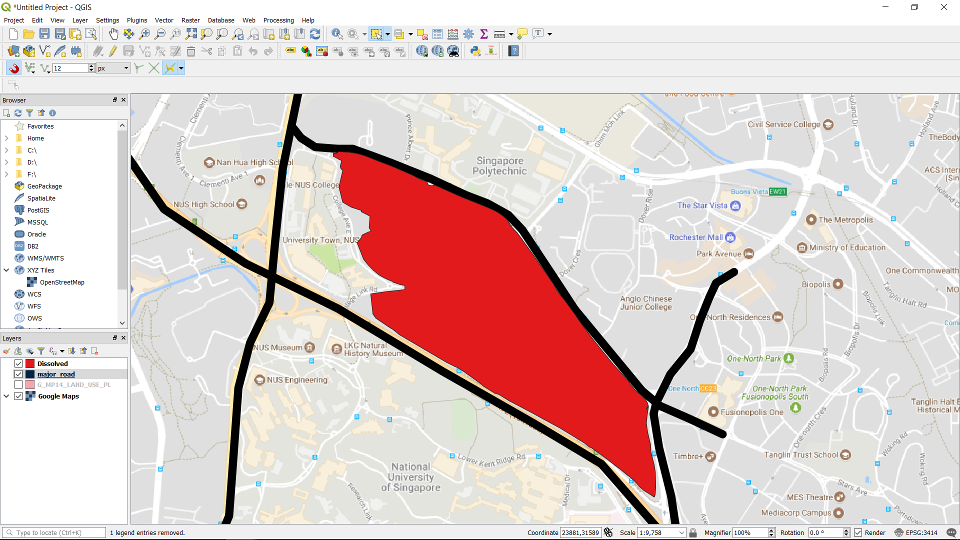
The roads represented.
Right click on the layer -> Properties ...
Choose the Road symbol.
Adjust the width of the road.
Change the colour to black. Click Apply.
The roads represented.