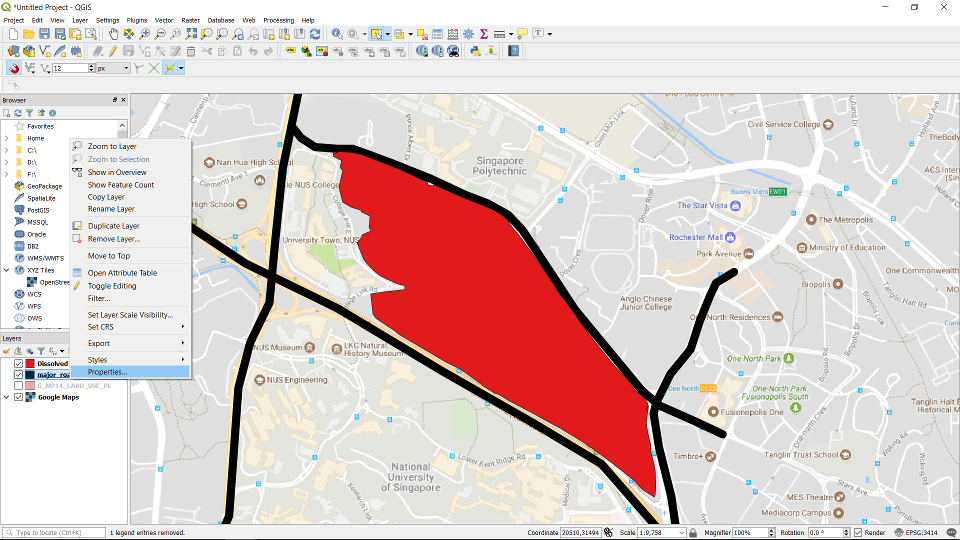
Right click the Feature layer and choose Properties ...
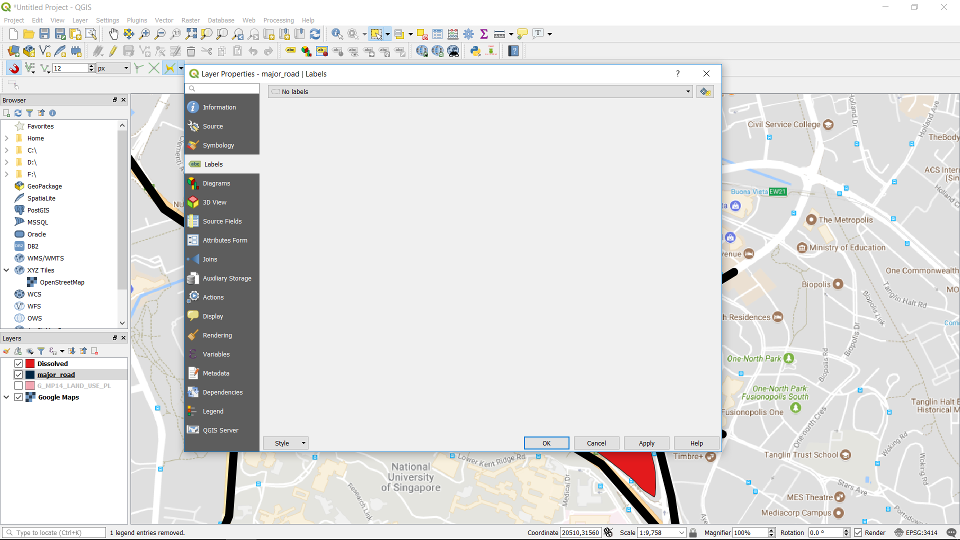
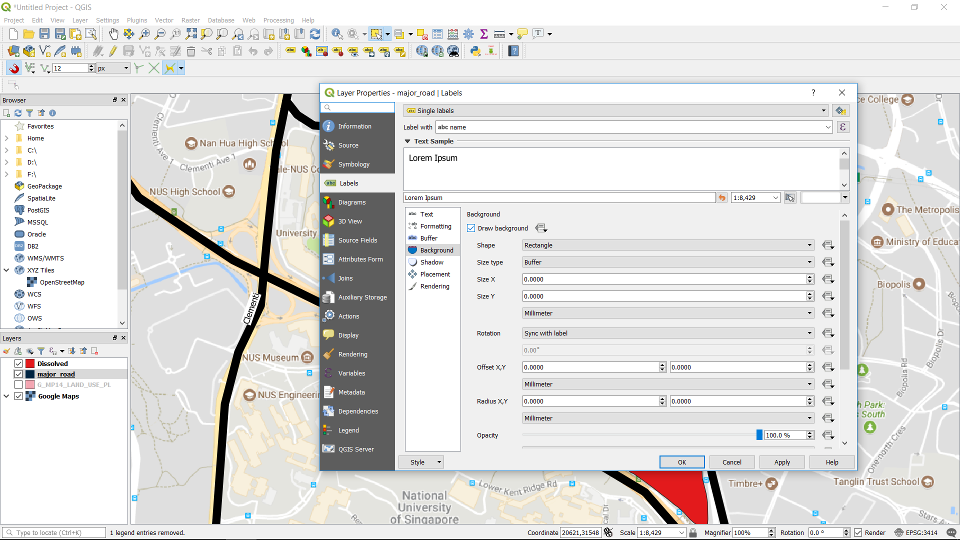
Click on Labels.
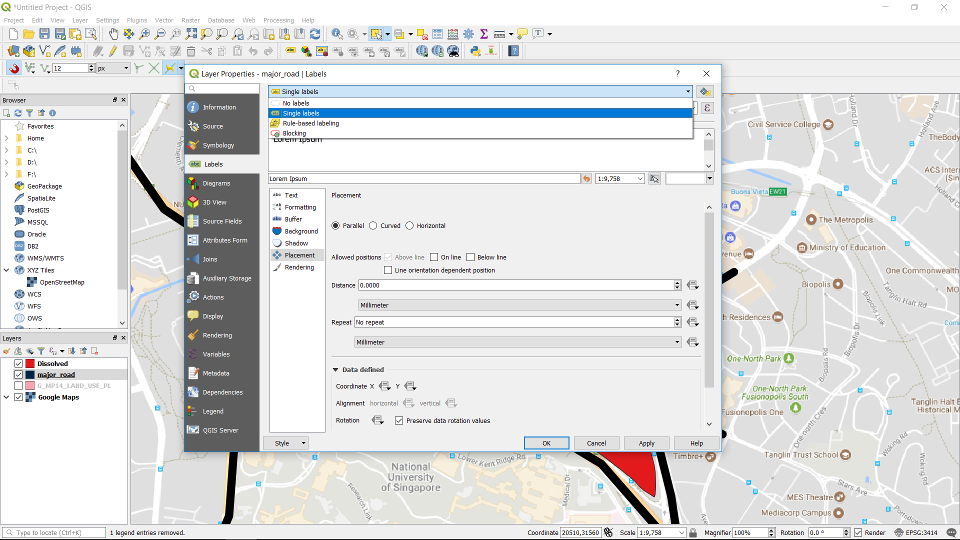
Choose single labels on the drop-down list.
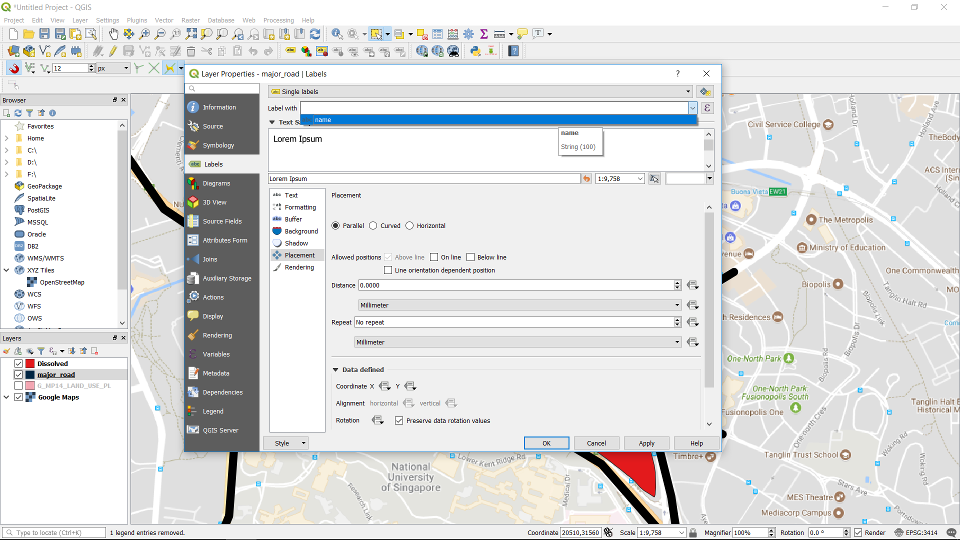
Choose the attribute for the labels.
You can configure the placement and font etc. of the labels. In the image below we added a background to the words so that they are visible in the map.
The labelled roads.
