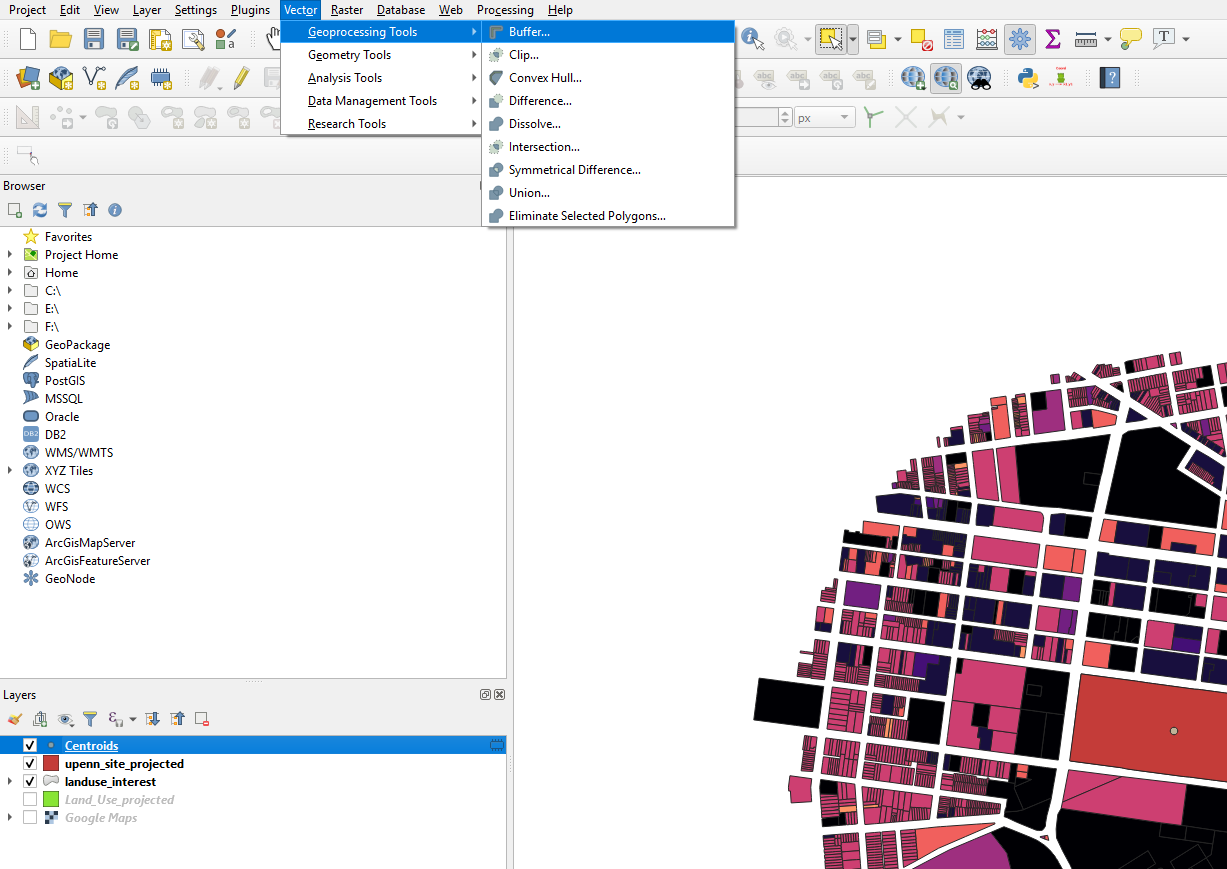
Go to Vector -> Geoprocessing Tools -> Buffer
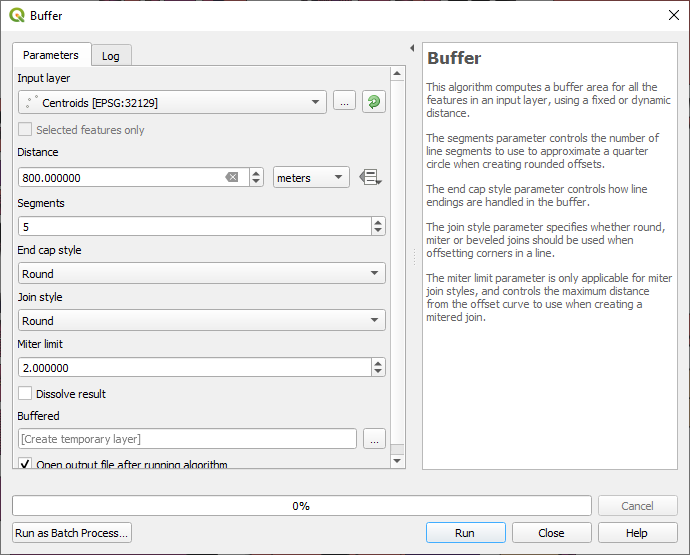
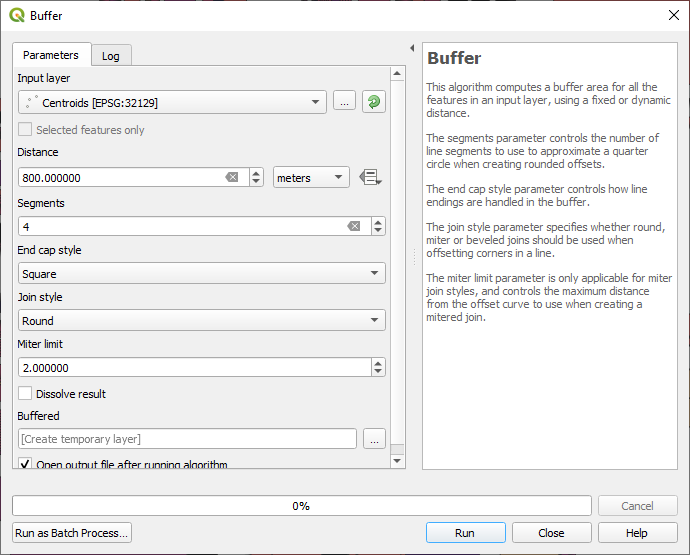
In the buffer window, choose the point layer for the buffering. The layer needs to be a point. Click on run.
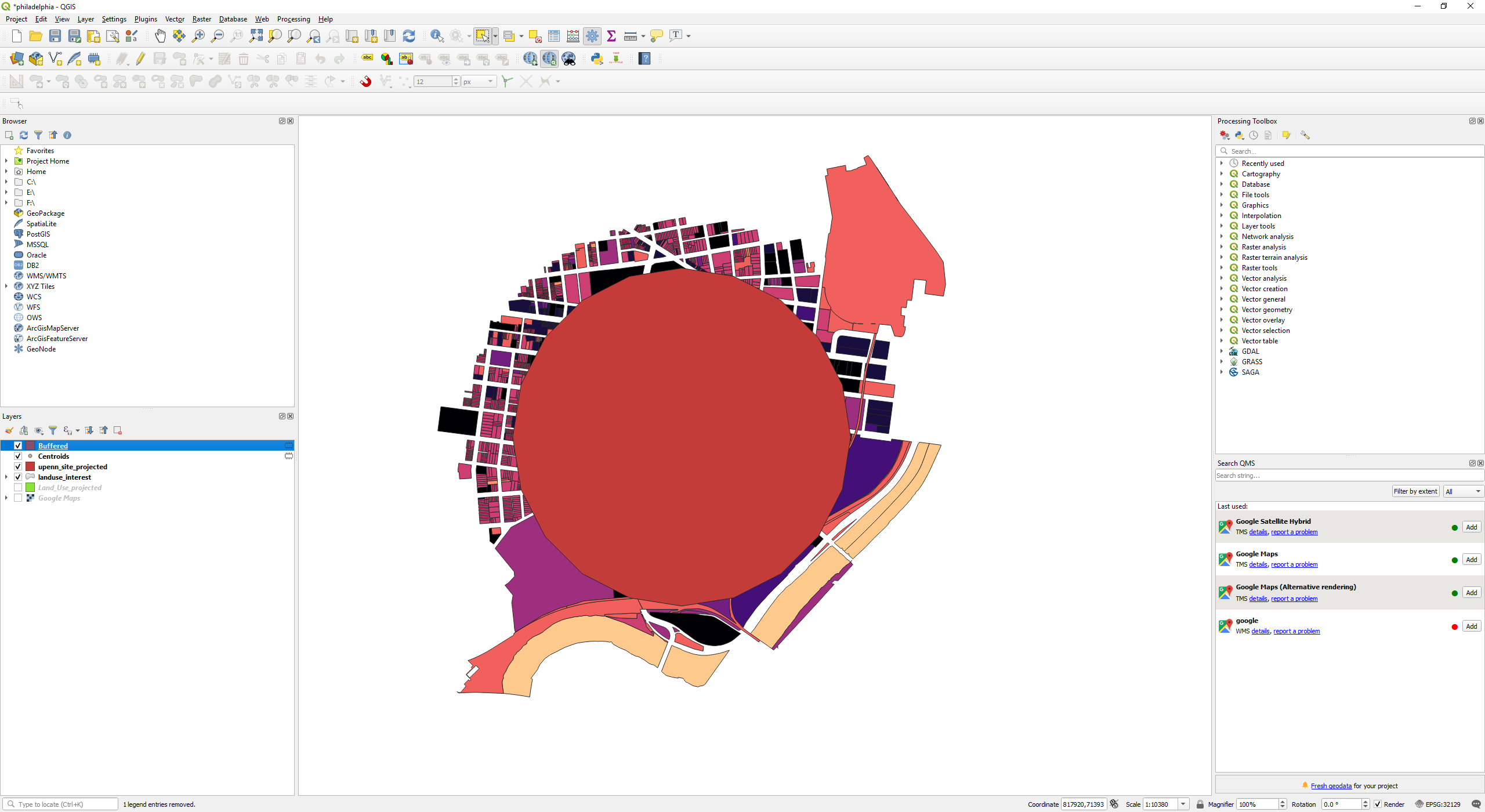
A circle will be drawn.
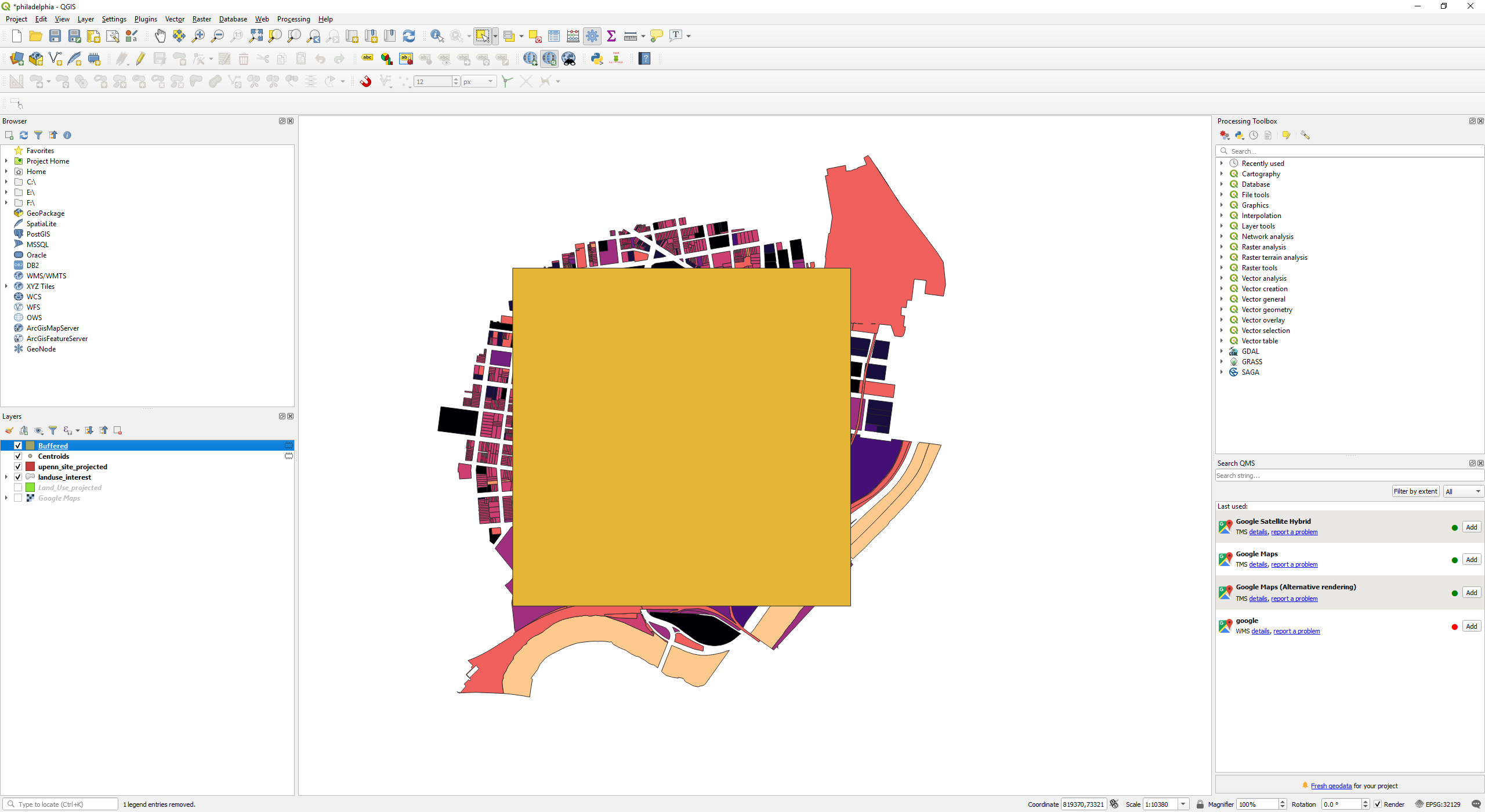
For drawing a square at the buffer window, change the “End Cap Style” to square.
A square is drawn.