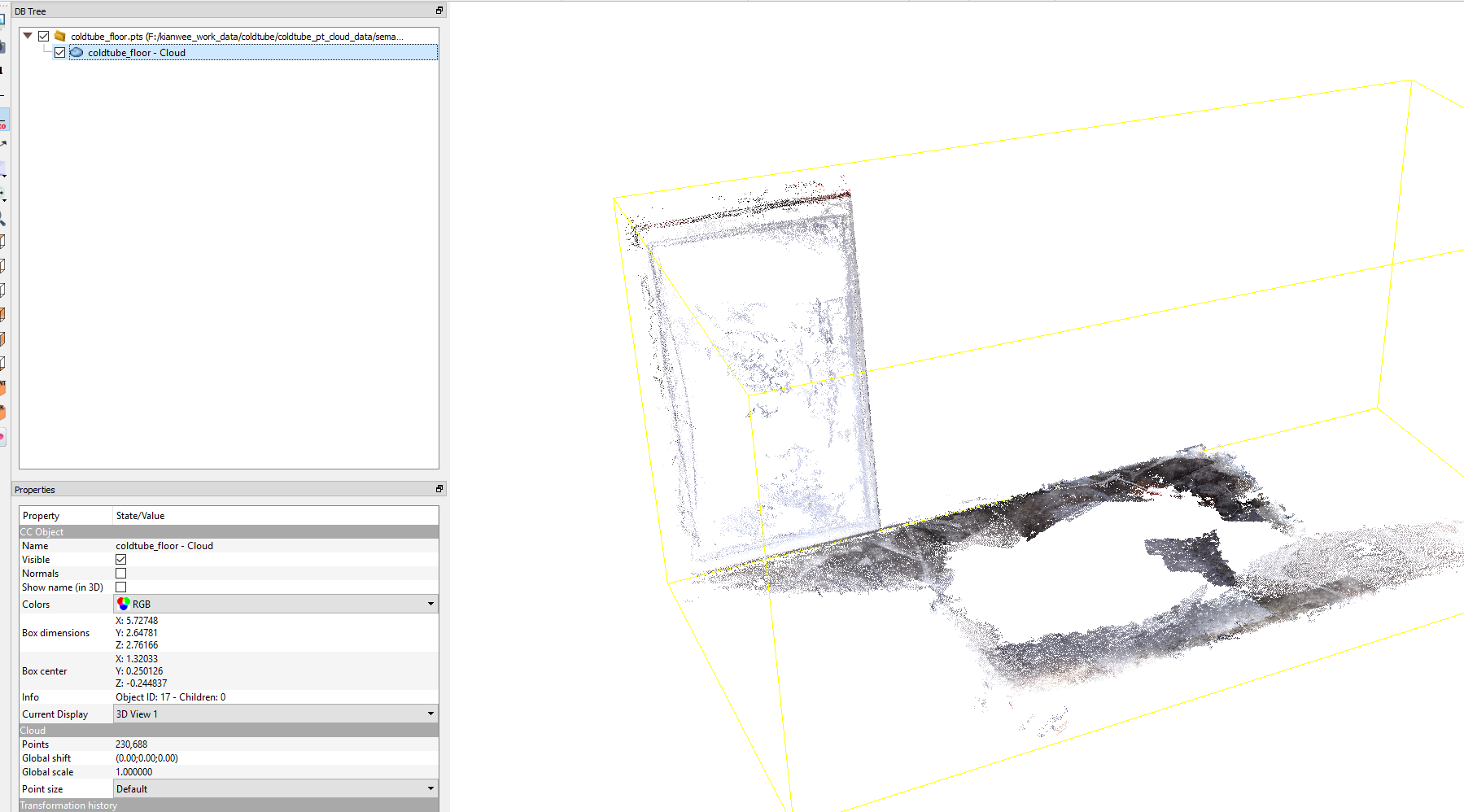
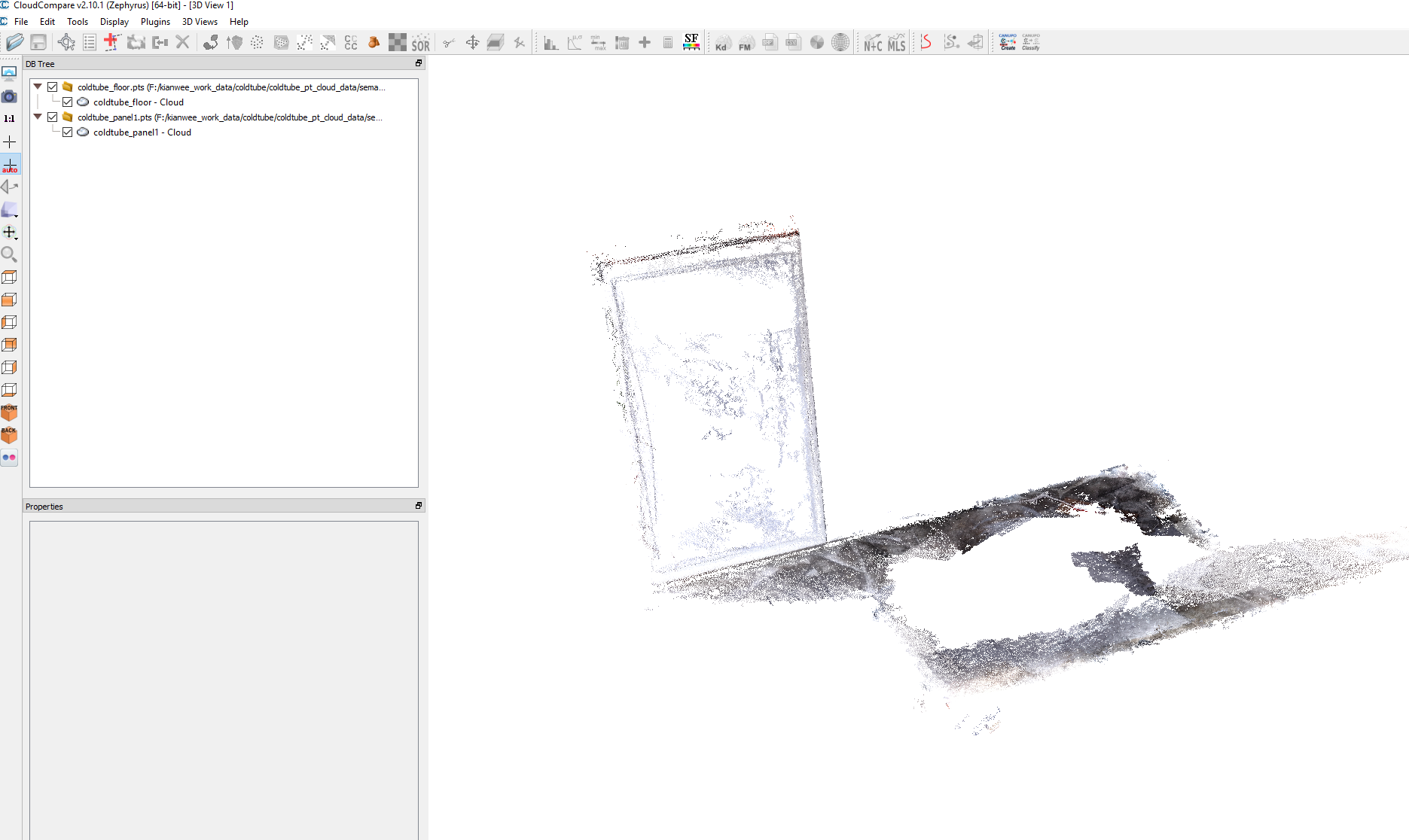
Open the two point cloud (LAZ, LAZ, .pts etc) in CloudCompare
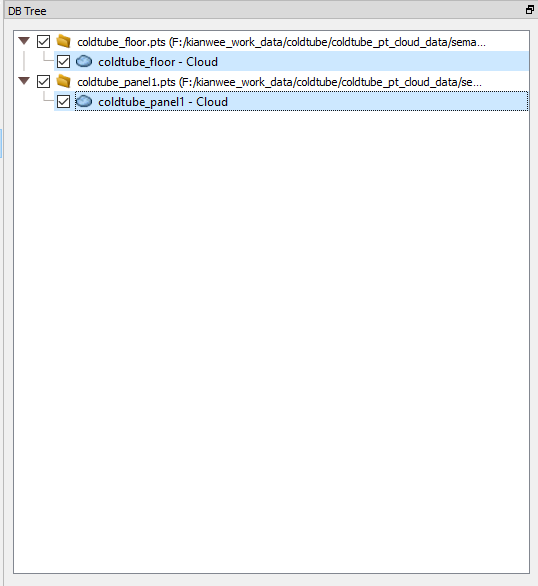
Choose the point cloud files from the DB Tree window. You can select multiple point cloud layer by holding down the Ctrl key and selecting the layers.
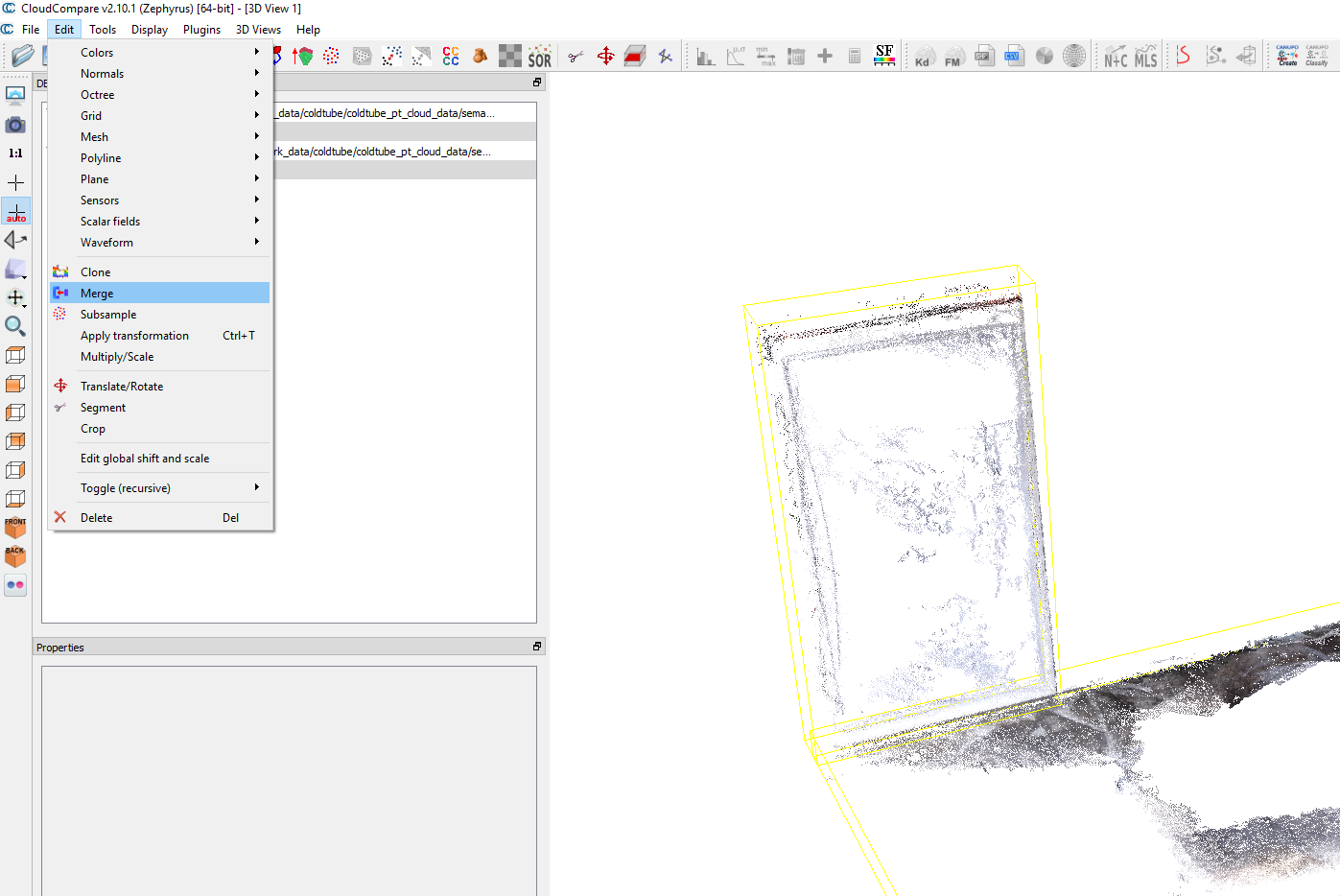
Once selected go to Edit -> Merge
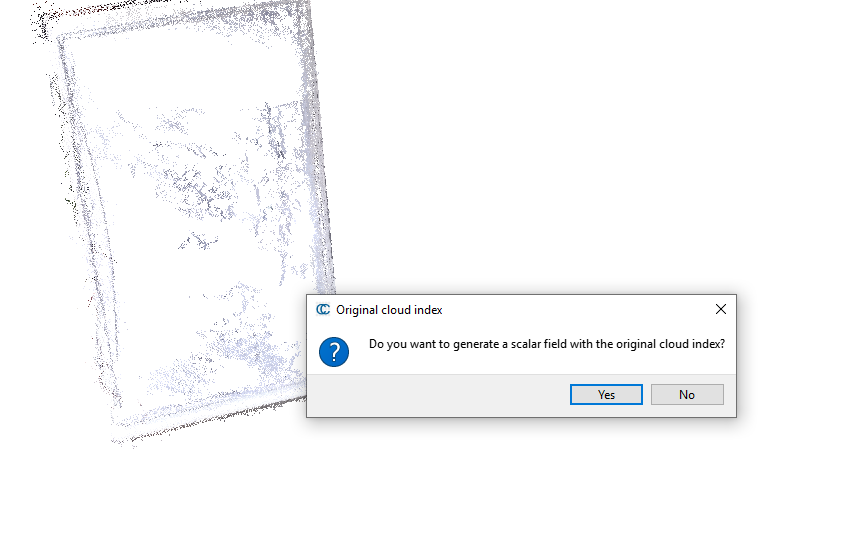
Click on “No”.
The point cloud is merge into a single point cloud.