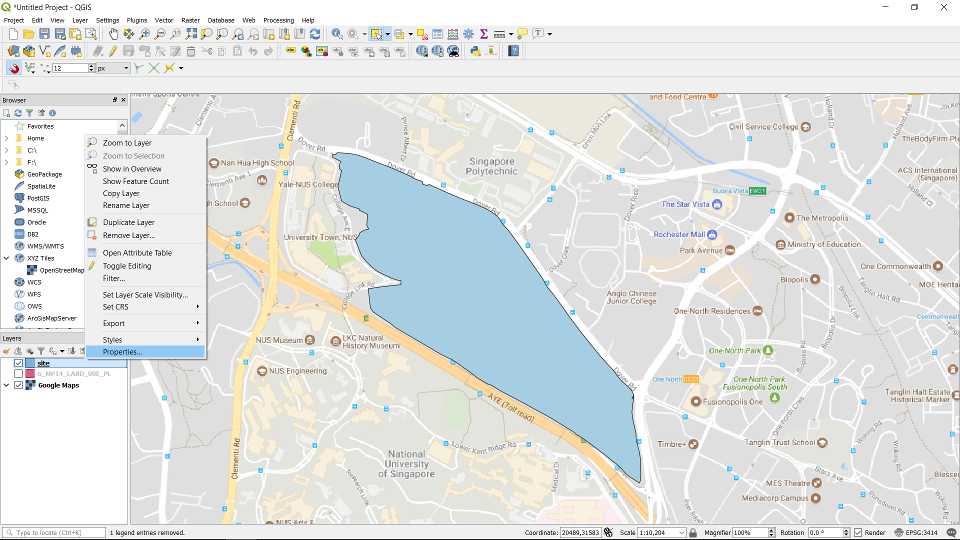
Right click on the layer and choose properties.
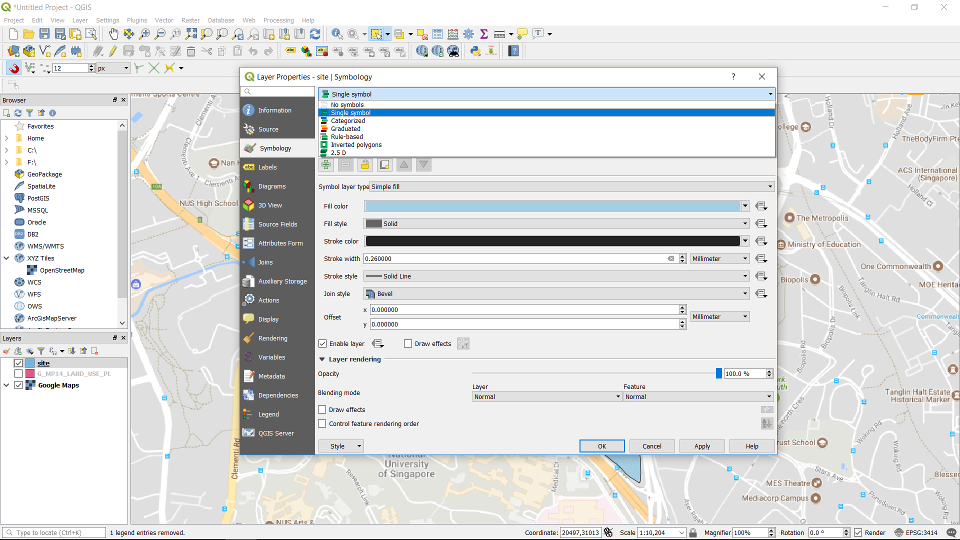
Go to Symbology -> Single symbol
Go to Simple fill.
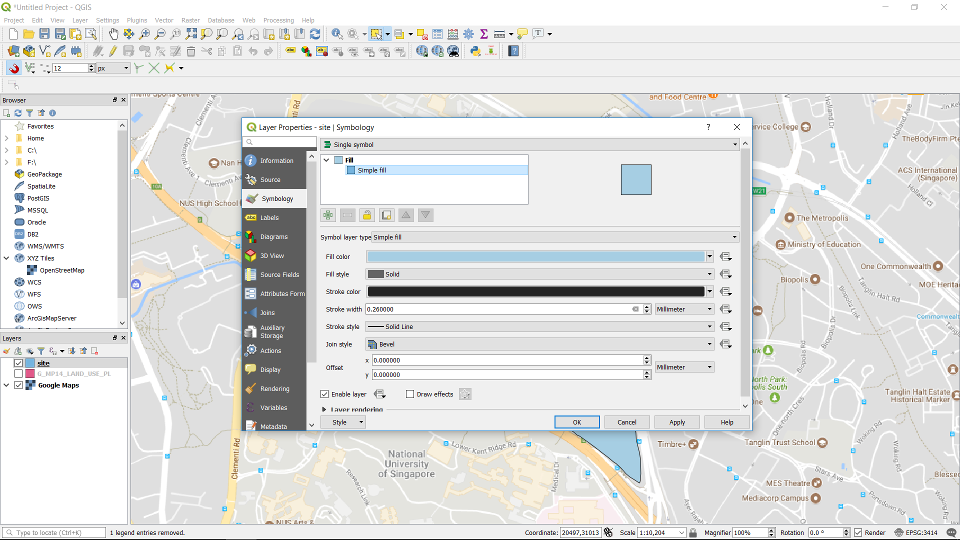
In here you can change the fill color, fill style, stroke color and stroke width etc. You can customise the style of your layer here.
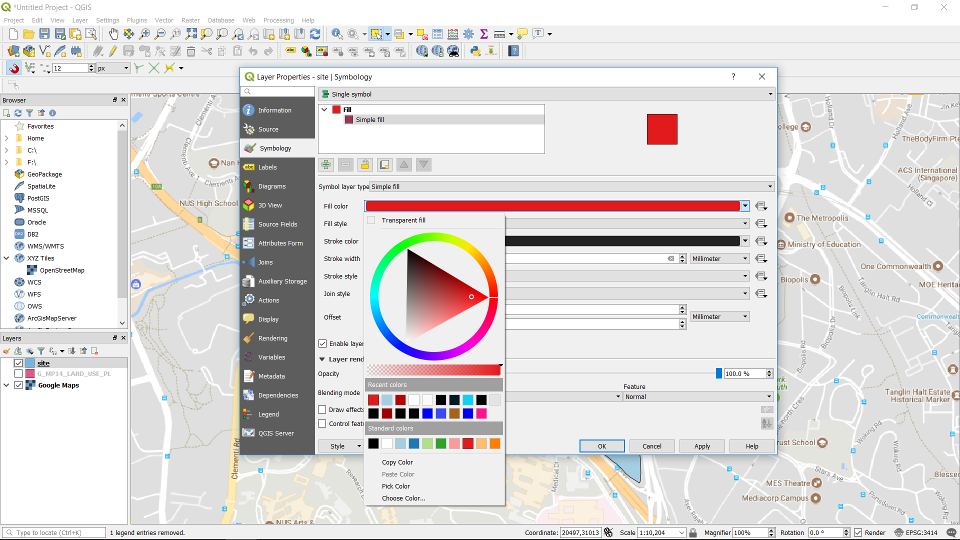
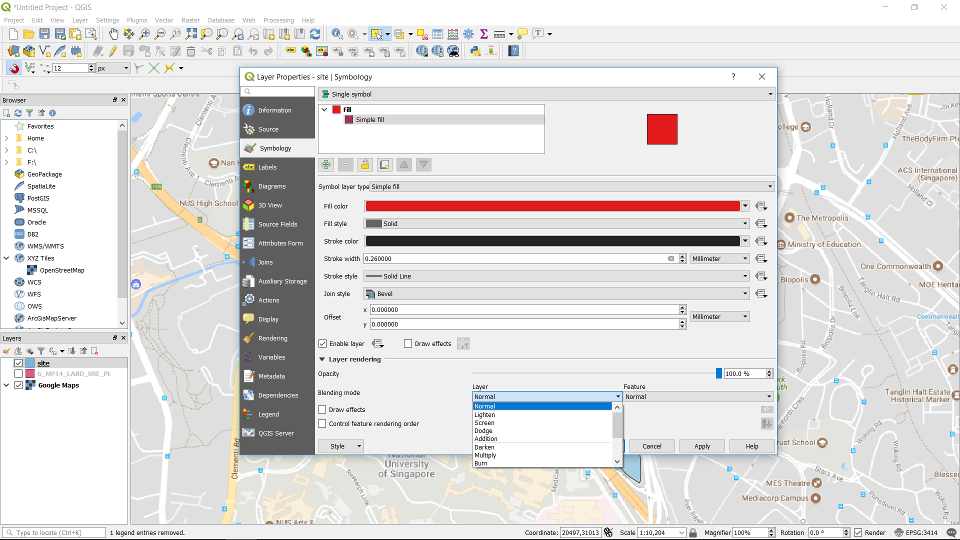
Click on the layer rendering, you have more options. You can change your layer’s opacity/transparency here.