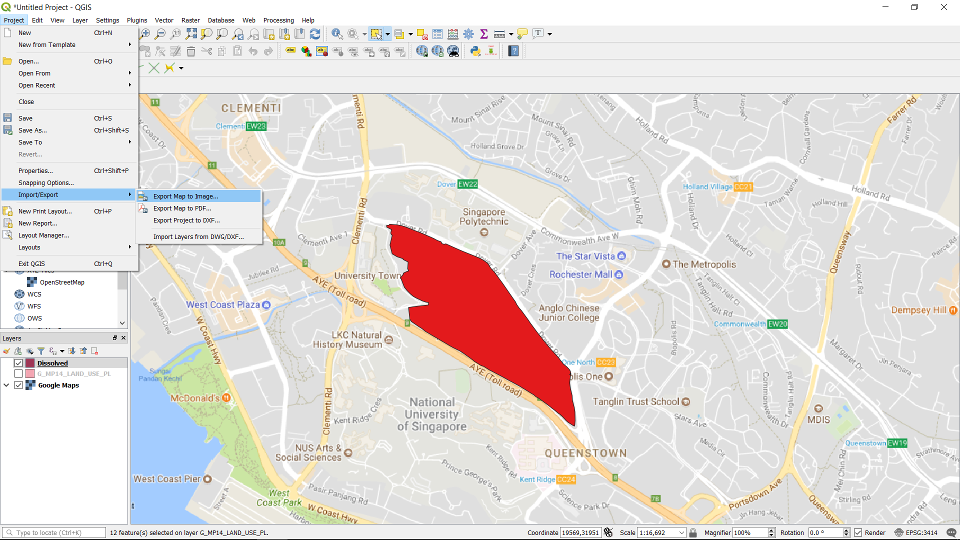
Export the map by going to Project -> Import/Export -> Export Map to Image ...
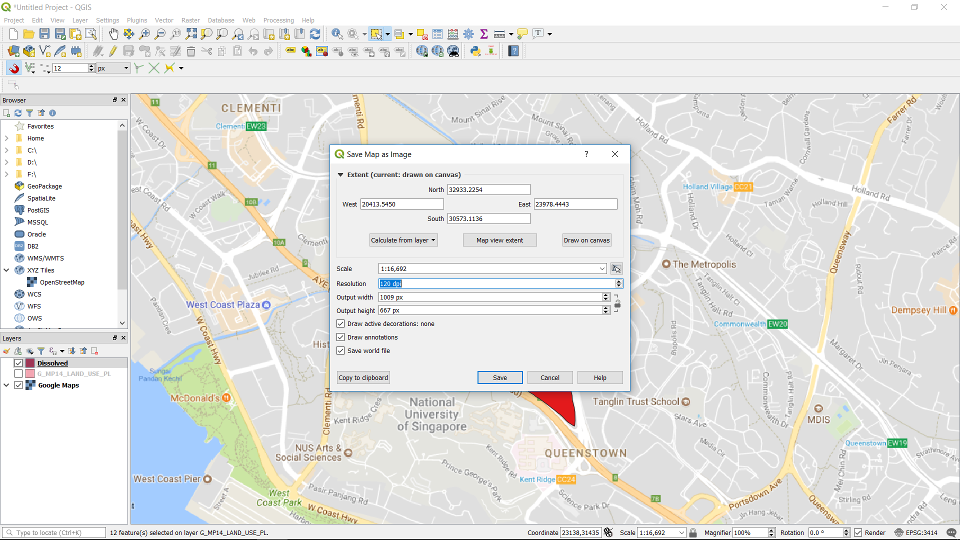
You can specify the extent of the exported map. Change the resolution and scale of the map. Fill in all the options and click save.
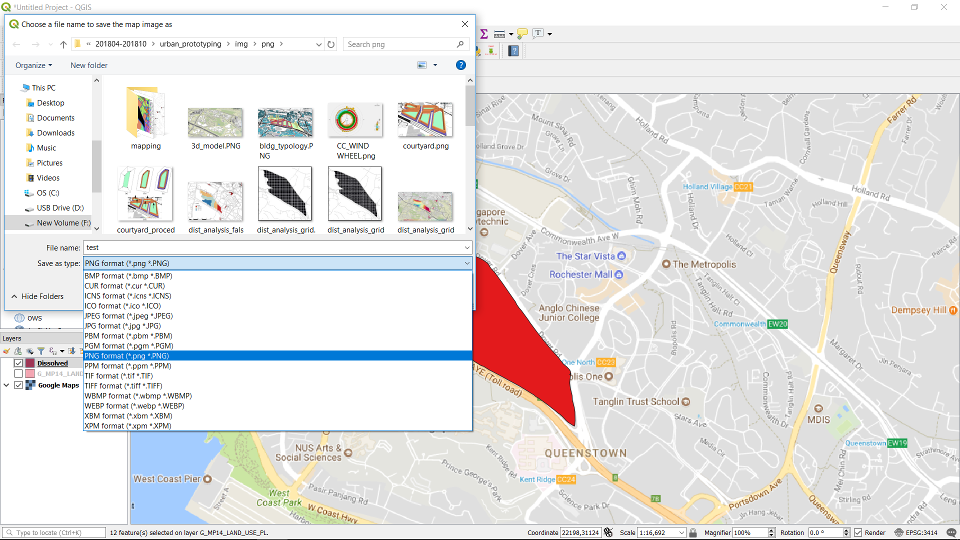
Choose a location and the image file type to save to.